IT Help Desk vs. Service Desk: What’s the Difference and Which One Do You Actually Need?
Ask five IT managers to explain the difference between a help desk and a service desk, and you’ll probably get five different answers. The two terms get used interchangeably in job postings, vendor websites, and everyday conversation, yet they describe two genuinely different ways of running IT support. That confusion has a cost: teams end up buying tools that are either too heavy for what they do or too light for what they’re responsible for.
This guide clears it up. You’ll get plain definitions of both, a side-by-side comparison of help desk vs. service desk, and a short decision framework so you can figure out which setup actually fits your team.
What is a help desk?
A help desk is the place where day-to-day support requests get handled. Someone can’t log in. A laptop won’t connect to the office Wi-Fi. A new hire needs access to the CRM. The printer is, once again, doing whatever printers do. These requests come in, and the help desk resolves them.
The defining feature is the ticket. Every request, whether it arrives by email, live chat, Messenger, or SMS, becomes a ticket with an owner, a status, and a full history. That’s what separates a real help desk from a shared inbox where things quietly disappear. Tickets can be routed to the right person, escalated when they stall, and measured afterward: how long did the first response take, how long until resolution, how did the requester rate the experience.
Help desks serve two audiences, and sometimes both at once. An internal IT help desk supports employees. An external help desk supports customers. The mechanics are nearly identical; only the requesters change.
A help desk is reactive by design. It exists to take incoming problems and close them quickly, and a good one does exactly that without much ceremony.
What is a service desk?
A service desk does everything a help desk does, and then keeps going. It’s the front door to a broader discipline called IT service management (ITSM), which treats IT not as a series of fires to put out but as a set of services the organization delivers and maintains over time.
In practice, that means a service desk handles incidents and requests the way a help desk would, but it also owns processes like change management (planning and approving modifications to systems so an update doesn’t take down half the company), asset management (tracking every laptop, license, and server through its lifecycle), and problem management (finding the root cause behind recurring incidents instead of resolving the same ticket forty times).
The distinction between an incident and a request matters more at this level, too. An incident is something broken. A request is something needed. A service desk formalizes that split because each follows a different process with different approvals and different SLAs.
Where ITIL fits in
You’ll run into the term ITIL almost immediately when researching service desks. ITIL (Information Technology Infrastructure Library) is a widely used framework of best practices for ITSM, currently maintained by PeopleCert. It defines the service desk as the single point of contact between the IT organization and its users, and it lays out the processes a service desk should run. You don’t need ITIL certification to operate a service desk, but if a company says it runs an “ITIL service desk,” it means support is organized around those formal practices rather than ad hoc habits.
Help desk vs. service desk: the key differences
Here’s the comparison at a glance:
| Help desk | Service desk | |
|---|---|---|
| Scope | Resolving individual support requests | Managing IT services end to end |
| Focus | Speed and resolution of tickets | Process, governance, and service delivery |
| Typical users | Employees, customers, or both | Primarily internal (employees and departments) |
| Processes covered | Ticketing, routing, escalation, SLAs, reporting | All of that, plus change, asset, and problem management |
| Framework alignment | Informal; process-light by design | Often built around ITIL/ITSM practices |
| Best fit | Small to mid-sized teams, customer support, IT teams focused on daily requests | Larger IT departments, regulated industries, complex infrastructure |
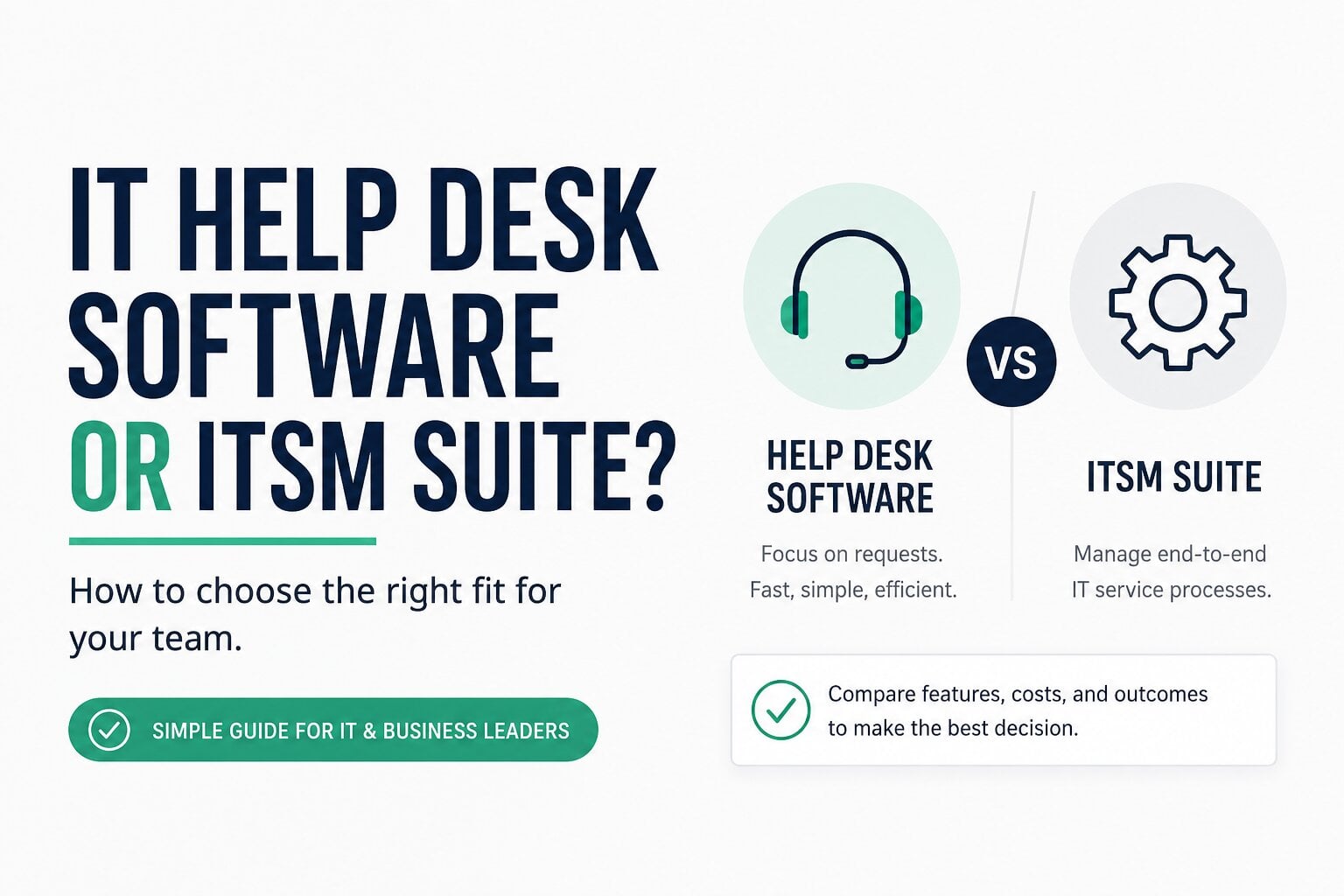
The core distinction fits in one sentence: a help desk resolves requests, while a service desk manages IT services end to end. If your mental model is “things break, we fix them, we track how well we fix them,” you’re describing a help desk. If it’s “we deliver and govern a catalog of IT services, and support is one part of that,” you’re describing a service desk.
Where they overlap (and why the confusion exists)
The confusion has a real basis. The two concepts overlap, and the overlap keeps growing.
Plenty of teams call their setup a service desk because it sounds more mature, even though what they run is a help desk. The reverse happens too: an IT department running full change management still says “file a help desk ticket” because that’s what everyone has said since 2009. Vendors haven’t helped, since many market the same product under both labels depending on the audience.
Modern tooling blurs the line further. A dedicated IT help desk tool today covers automated ticket routing, SLA management, multichannel support across email, chat, and messaging apps, plus reporting that would have required an enterprise ITSM suite fifteen years ago. What it skips are the heavier governance layers: change advisory boards, configuration management databases, formal problem records. For a lot of teams, skipping those layers is a feature, not a gap.
So when someone asks which one they have, the honest answer is often “a help desk with a few service desk habits.” That’s fine. The label matters far less than whether the setup matches the work.
How to choose the right one for your team
Skip the org-chart philosophy and look at your actual ticket queue. What’s in it?
Choose a help desk if:
- Most of your volume is day-to-day requests: password resets, access grants, hardware issues, how-to questions
- You measure success with help desk metrics like first response time, resolution time, ticket backlog, and CSAT
- Your team is small enough that formal change approval would slow things down more than it protects anything
- You support external customers, or a mix of customers and employees
Choose a service desk if:
- You manage complex infrastructure where an unreviewed change can cause a serious outage
- Compliance or audit requirements force you to document changes and track assets formally
- You have dedicated staff for IT operations beyond frontline support
- Recurring incidents keep pointing to root causes nobody has time to investigate
The choice comes down to the work itself, not the size of your ambitions. A ten-person startup does not need problem management. A hospital IT department absolutely does.
If your team lands in the first group, and most do, resist the urge to buy the bigger category “to grow into.” Unused ITSM modules don’t make a team more mature; they make the tool harder to use, and adoption is the whole game. If your team mostly fields and resolves day-to-day requests, you don’t need a full ITSM suite. A tool that pulls every request into one ticketing system, routes it to the right person, and tracks it against an SLA is usually all you need, and your team will actually use it.
And if you land in the second group, look at ITSM platforms specifically, and evaluate them on their change and asset management workflows rather than their ticketing, since ticketing is table stakes in that category.
Making either setup faster with automation
Whichever model you pick, the biggest efficiency gains come from the same place: taking repetitive work off your team’s plate.
Start with routing. Automation rules can read an incoming ticket and send it to the right person or queue based on keywords, channel, or requester, so nobody spends their morning playing traffic cop. Auto-tagging does similar work for categorization, which pays off later when you’re trying to figure out what actually eats your team’s time. Canned responses handle the questions that arrive verbatim every week, and AI-assisted replies can draft answers for the slightly less predictable ones, leaving a human to review and send.
Help desk automation and service desk automation are the same idea at different scales. A service desk might also automate approval chains and change workflows, but the frontline wins are identical, and platforms like HelpDesk ship most of them out of the box.
Then measure whether it’s working. Four numbers tell you most of the story: first response time, average resolution time, ticket volume by category, and customer satisfaction (CSAT). If automation is doing its job, response times drop and your team’s hours shift from copy-pasting Wi-Fi instructions to solving the problems that actually require a person.
Conclusion: help desk or service desk?
If your work is mostly resolving incoming requests quickly and measurably, you need a help desk. If your work is governing IT services, with formal change, asset, and problem management on top of support, you need a service desk. Look at your ticket queue, be honest about which one it describes, and pick the tool built for that job. For most small and mid-sized teams, that means evaluating a modern IT help desk platform first, and reaching for a full ITSM suite only when the compliance and complexity actually demand it.