
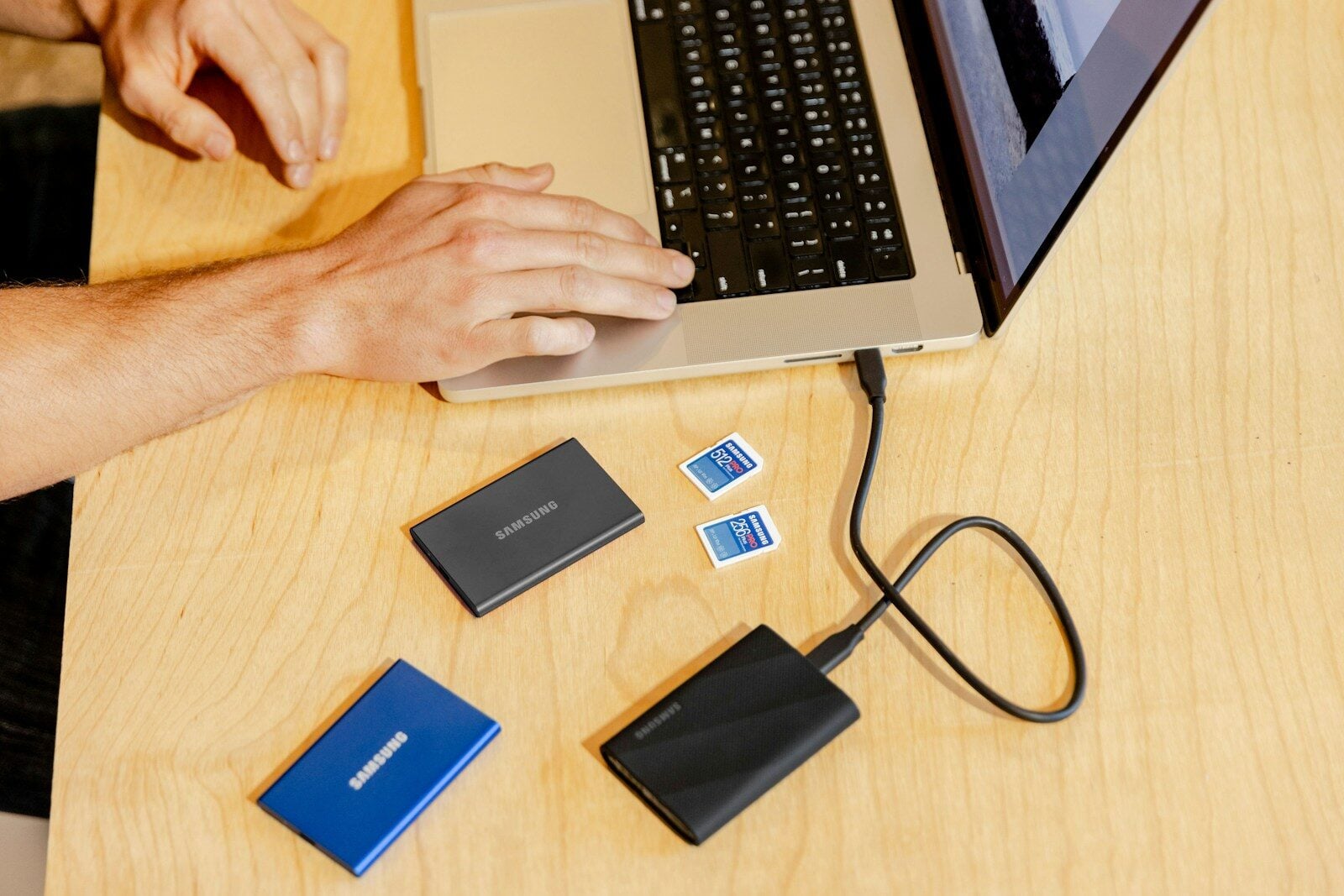
What actually happens when an SSD fails, and why cloud backup still matters
To many of us, SSDs feel indestructible. No read/write heads floating a hair’s width above a disk, nothing to physically wear out from a bump or a drop. So it’s easy to assume they just don’t fail the way old hard drives did. Unfortunately, the reality is a lot different! They do break, just differently, and often with a lot less warning.
How does an SSD actually fail?
Unlike a hard drive’s mechanical parts, an SSD fails through a handful of electronic and chip-level problems. Here’s what’s usually behind it.
Controller failure
Every SSD has a small chip managing where your data actually lives on the flash memory. When that controller dies from a power surge, overheating, or a simple component failure, the drive can become completely inaccessible even though the memory chips underneath are still physically intact. Your data is right there. You just can’t get to it without specialized tools.
NAND wear
SSDs store data in flash memory cells that can only be written to a finite number of times. As those cells wear out, bad blocks start to appear. Manufacturers build in protections against this, so it’s rarely the first thing to fail, but heavy write workloads accelerate it.
Firmware bugs
Sometimes the drive itself may be fine, but the firmware managing it goes corrupt. A buggy update can make a perfectly healthy SSD vanish from your system entirely, showing up as “not detected” even though nothing is physically wrong.
Power and physical damage
Non-Volatile Memory Express (NVMe) drives connect directly to the motherboard, so a power surge or a damaged connector can cause real circuit-level damage. The kind that needs board-level repair instead of a simple format.
Why does SSD failure feel so much more sudden than HDD failure?
This unexpected turn of events is often what catches people off-guard. Old hard drives usually gave you warning signs, clicking noises, slow performance, or something else that warned you. You often had time to grab your files before the drive gave out completely.
SSDs don’t play by the same rules. Since there’s no physical wear you can hear or feel, a healthy-seeming SSD can fail completely, with no advance notice at all. The one warning sign worth knowing: if write speeds suddenly crawl to a fraction of normal, the controller may already be struggling to manage failing memory cells.
By the time you notice, you may not have much runway left.
Can you get your data back after an SSD fails?
Sometimes, but it’s genuinely less reliable than recovering a failed hard drive. Part of the problem is a feature called ‘TRIM’, which proactively clears deleted data to keep the drive fast, which is great for performance and bad for recovery odds.
Professional recovery from failure types like controller damage can succeed, but results vary widely depending on how the drive failed and how quickly you stop using it afterward.
In conclusion, SSD recovery is a “maybe, expensive, and slow” fallback. So, it’s not a plan!
So why does cloud backup still matter?
Simple answer: Because hardware failure isn’t even the biggest reason people lose data in the first place. More often than not, human errors are among the leading causes of data loss (around a third of all incidents), ahead of hardware failure and malware. Even a perfectly healthy SSD doesn’t protect you from an accidental delete, a ransomware attack, or a laptop that goes missing.
Try out the 3-2-1 rule
Keep three copies of anything that matters, on two different types of storage, with at least one copy stored somewhere physically separate from your main setup. A cloud backup satisfies that “somewhere else” requirement without you needing to manage a second physical drive yourself.
What should you actually look for in a cloud storage provider?
Not all backup storage is built the same. A few things worth checking before you trust a provider with your only real safety net:
- Immutable or write-once backups, so ransomware or an attacker with access can’t quietly encrypt or delete your backup along with your live data
- High durability guarantees, ideally with data replicated across multiple locations, not sitting on a single drive somewhere
- Easy, automated scheduling, since a backup you have to remember to run manually is a backup that eventually doesn’t happen
If you’re comparing options, it’s worth checking what a proper cloud storage provider actually offers here; immutable buckets and automated, versioned backups matter a lot more once you’ve seen how suddenly an SSD can actually die.
The verdict
SSDs are reliable… right up until the moment they aren’t, and that moment tends to arrive without much warning. Data recovery afterward is possible but never guaranteed. A cloud backup protects you not just from a dying drive, but also from mistakes, malware, and mishaps that cause most data loss in the first place.