
3R System iCEAGE Prima Boss CPU Cooler Review
Installation
Contents
To install this cooler on AMD CPUs you just need to fasten the preinstalled clips in the existing motherboard frame. You can see this clips in Figure 11.
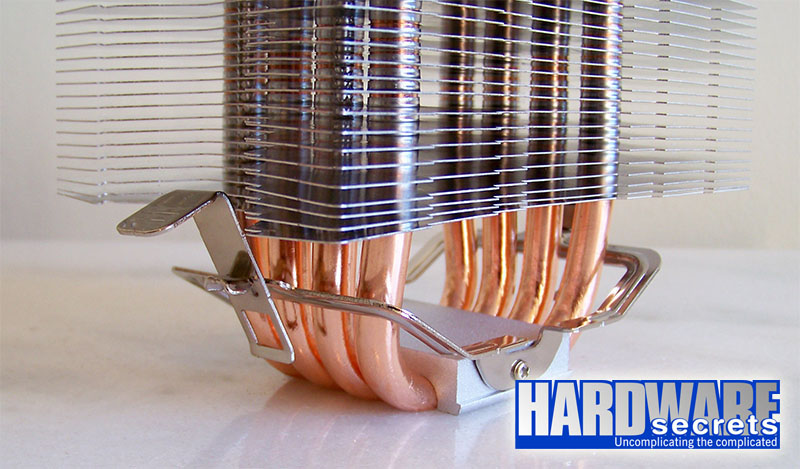 Figure 11: AMD CPUs clips.
But to install it on Intel socket LGA775 CPUs you must first install a frame on the motheboard. It uses a backplate on the solder side of the motherboard. In Figure 12 we can see the parts, as well as a long tool to help install and remove the cooler.
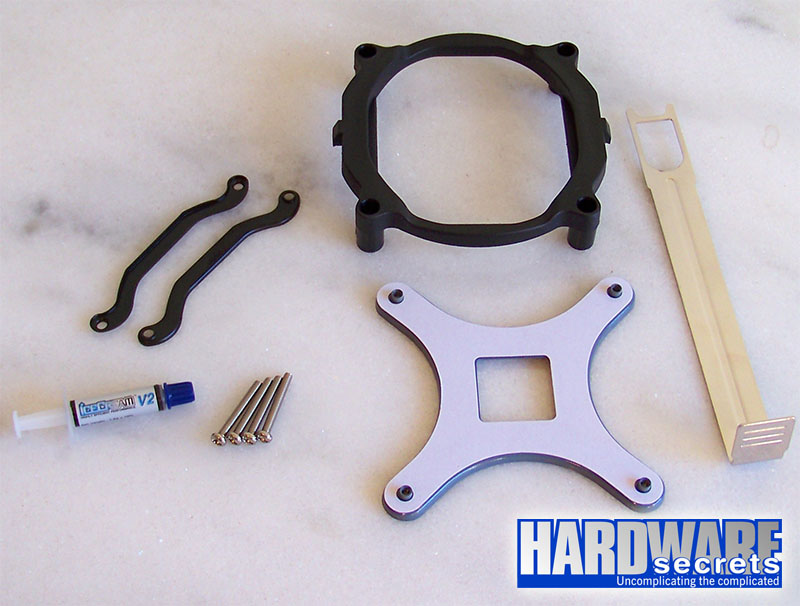 Figure 12: Socket LGA775 hardware.
In Figure 13, you can see how the cooler looks when installed on our motherboard. We almost could not install it in this position, because the motherboard chipset heatsink interfered with the clip tip.
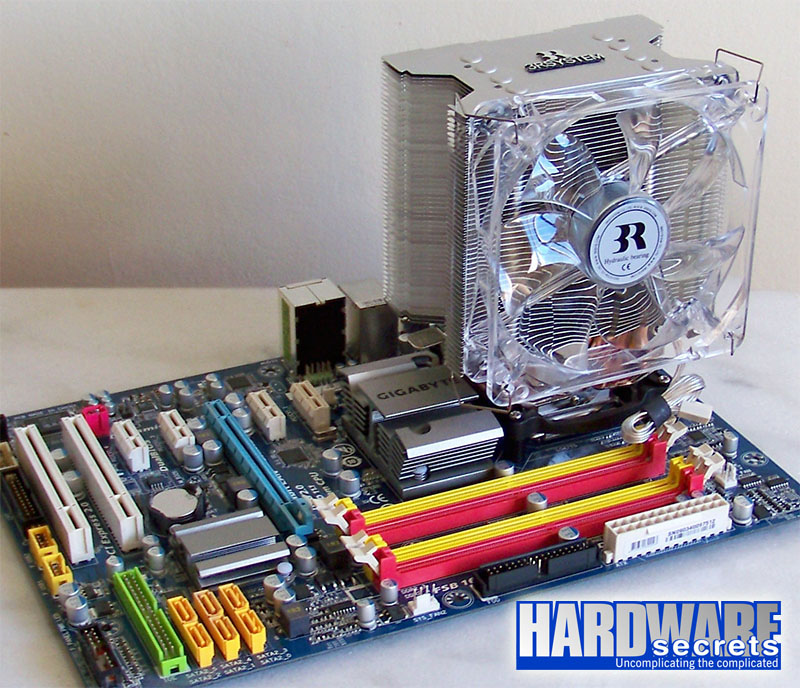 Figure 13: Installed on motherboard.
As every tower cooler with 120 mm fan, it will not fit slim (nor SFF) cases.
 Figure 14: Installed into the case.
In Figure 15, you can see the beautiful glow of the fan.
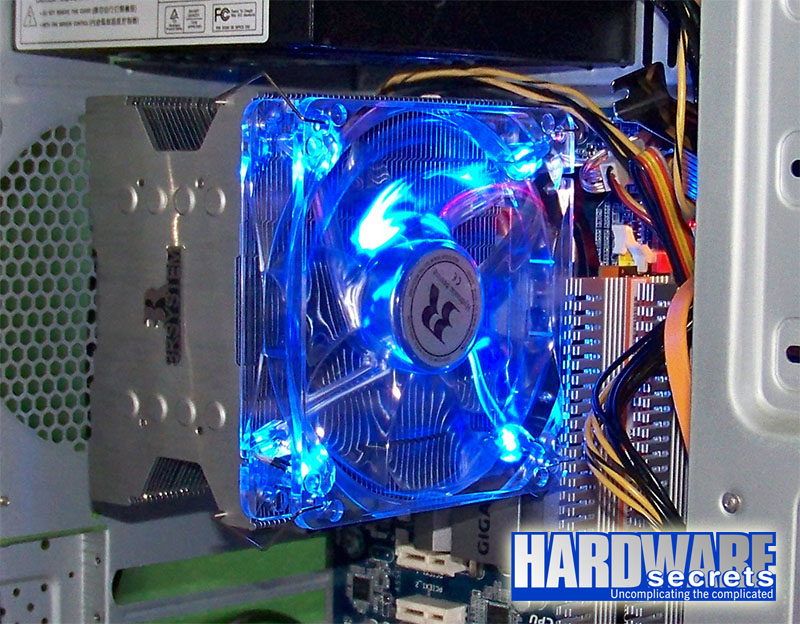 Figure 15: Fan glow.