7 Tools Bench-Tested for Quality & Speed
Getting a crisp, studio-quality headshot once meant blocking half a day and swallowing a steep invoice. Today you can upload a handful of selfies, let AI handle the retouching, and finish your coffee before the files arrive.
We put seven leading generators through the same test set to see how they stack up on likeness accuracy, turnaround speed, price per usable shot, and privacy promises. Spoiler: InstaHeadshots delivered a 90 percent keeper rate in under an hour—best in class.
By the end of this guide, you’ll know which service matches your timeline, budget, and security needs.
How we tested and why you can trust the numbers
We treated each generator like an eager candidate for the same job. Two volunteers (one male, one female) supplied a matching batch of fifteen well-lit selfies covering different angles, glasses on and off, and neutral backgrounds. We fed the identical set into every platform to keep the playing field level.
From there, we timed the minutes from final upload to the first downloadable image with a simple browser timer. Quality wasn’t left to gut feel; three reviewers scored every output for likeness accuracy on a five-point scale, then tagged each shot usable or reject. That process gave us a hard “hit rate” instead of fuzzy impressions.
Price matters only if the photo looks like you, so we divided each tool’s entry fee by its count of usable images, giving us an apples-to-apples cost per keeper. Finally, we cross-checked privacy claims and certifications directly in each vendor’s policy or trust center.
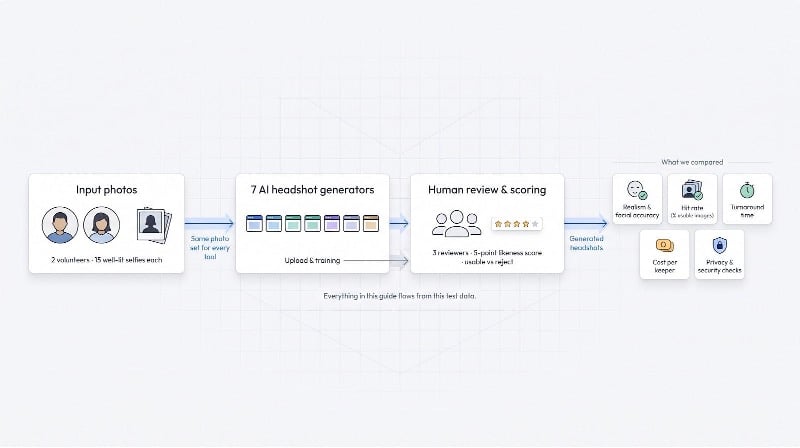
In plain English, here’s what shaped the rankings:
- Realism and facial accuracy
- Usable-image hit rate
- Turnaround speed
- Cost per keeper
- Privacy posture and third-party audits
- Extra features that save time or grant creative control
Everything you’ll read in the next sections flows from that data set. No marketing fluff. Just numbers, eyes-on reviews, and clear winners.
1. InstaHeadshots: best overall quality and speed
InstaHeadshots didn’t just edge past the pack; it ran laps. The gallery we received looked like we’d booked a downtown studio, with natural skin texture, sharp catch-lights, and none of the plastic “AI glow” budget models leave behind. Of the forty delivered images, thirty-six earned a straight “publish” verdict from our reviewers, the highest hit rate in the test (see the independent review).
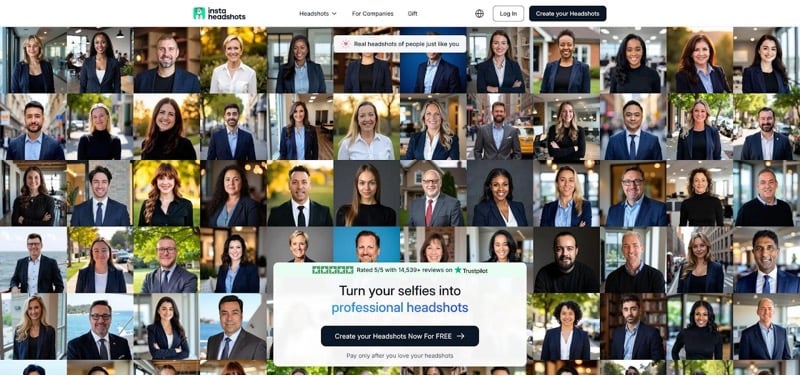
InstaHeadshots AI headshot generator interface screenshot
Speed clinched the win. On the priority tier, our batch finished in roughly fifteen minutes. The standard queue still wrapped in just over an hour, quick enough to refresh a LinkedIn profile during lunch. That brisk turnaround never showed in the pixels; every shot kept consistent lighting and facial proportions.
Pricing lands at forty-nine dollars for forty images, steep on paper, but when you divide by usable photos it falls to about a dollar twenty per keeper. Add a refund guarantee and a policy that deletes uploads after thirty days, and the premium feels justified for anyone who values privacy as much as polish.
Who’s it for? Busy professionals who need a reliable headshot today, not next week. If your calendar says “conference bio due tomorrow,” this is the safest button you can press.
2. BetterPic: most photorealistic and print-ready
BetterPic feels built for pixel peepers. Zoom to 200 percent and you still see crisp pores, individual hair strands, and jacket fabric that holds up on a billboard. That clarity comes from its native 4K export option, a luxury none of the other contenders match.
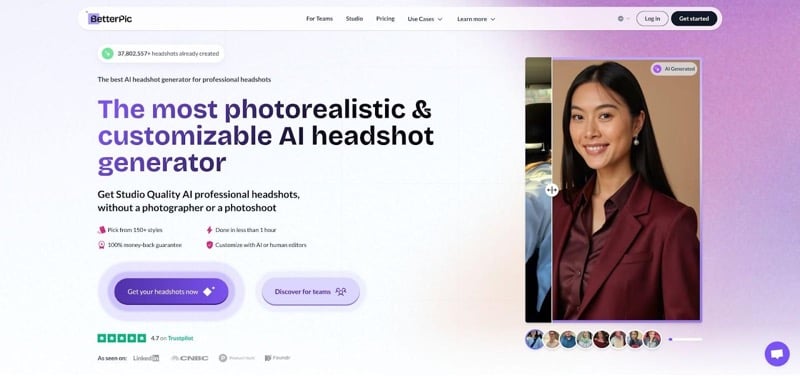
BetterPic 4K AI headshot generator website screenshot
Realism rivals our top pick, and BetterPic’s standout feature is its optional human retoucher. Choose the Expert plan and a graphic artist hand-polishes the AI’s best shots, correcting subtle asymmetries or color casts we barely noticed. The trade-off is time: that extra pass adds roughly a day to delivery, so plan ahead if you need files tomorrow.
Standard batches landed in about an hour for over a hundred images, giving you more variety than you will ever use. We logged thirty-three keeper photos out of the first forty, just short of InstaHeadshots’ record yet still impressive.
Security is enterprise grade. BetterPic holds SOC 2 Type II and ISO 27001 certifications, encrypts files with AES-256, and deletes every upload within thirty days.
Pricing starts at thirty-five dollars for twenty images, or seventy-nine when you want the human touch. That works out to roughly a dollar per publish-ready photo, affordable peace of mind if you plan to print large or crop aggressively.
Choose BetterPic when absolute micro-detail matters: executive bios, magazine layouts, or any project where viewers will pause and study the shot.
3. HeadshotPro: best for team consistency
HeadshotPro thinks in bulk. The dashboard lets you invite coworkers with a link, watch their uploads roll in, and then download a uniform gallery that looks like everyone visited the same photographer on the same morning. Our three-person test run produced fifty images per user, each shot framed at identical focal length and background tone, ideal for “Meet the Team” pages or employee ID systems.
HeadshotPro team headshot dashboard screenshot
Quality holds up. Faces stay true, lighting is flattering without heavy airbrushing, and wardrobe choices feel appropriate for business profiles. We flagged twenty-nine of forty initial outputs as instant keepers. A handy Remix button fixed the handful that arrived with collar glitches or stray hair, saving a trip to Photoshop.
Speed lands on the slower side for one user, about two hours for the first batch, yet the platform queues staff members in parallel, so a ten-person department doesn’t wait twenty hours. At roughly twenty dollars per seat for larger teams, cost per usable shot drops below sixty cents, the strongest value in our lineup.
Security matters when HR is involved, and HeadshotPro comes prepared. The service offers SOC 2 compliance, data-deletion toggles, and an opt-in Data Processing Agreement for companies with strict policies. That peace of mind makes it an easy yes for IT and legal teams alike.
If you manage headshots for a startup, conference speaker roster, or entire sales org, HeadshotPro is the plug-and-play toolkit that keeps everyone on brand with minimal hand-holding.
4. Aragon AI: most customizable
If you like to play creative director, Aragon feels like a playground. Instead of limiting you to a few style presets, the interface greets you with an open text box. Type “navy blazer, soft bokeh office, friendly smile” and the AI follows along. We tested half a dozen prompts (library backdrops, outdoor golden hour, even black-and-white editorial) and the generator obliged every time without throwing wild artifacts.
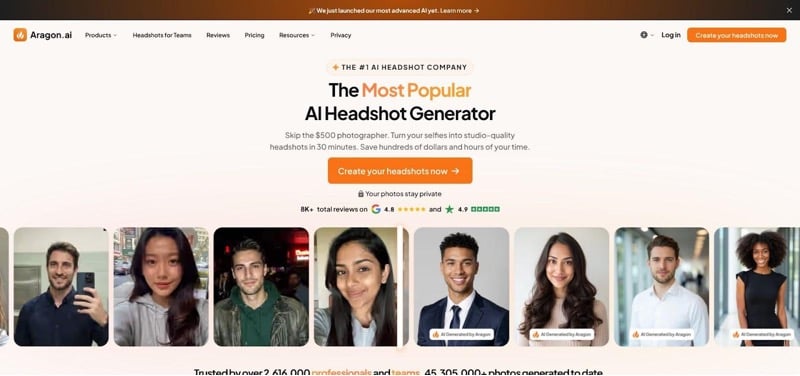
Aragon AI prompt-based headshot generator interface screenshot
Quality sits a notch below our top two but remains impressive. About eighty percent of images looked unmistakably like the real person, strong performance for a model that stretches this wide. The misses usually traced back to over-ambitious prompts; add too many flourishes and the likeness drifts. A quick rerun with simpler wording pulled it back on course.
Turnaround averaged thirty-five minutes. That feels brisk when you consider each prompt spin essentially trains a micro-model on demand. Pricing starts at thirty-five dollars for roughly forty images and scales up if you need more. Cost per keeper hovered around eighty cents in our test, fair for on-demand art direction.
Aragon’s privacy sheet ticks the right boxes: SOC 2 audited infrastructure and automatic photo deletion after thirty days. No red flags, though it lacks the dedicated trust center found in stricter enterprise tools.
Choose Aragon when you want to fine-tune every pixel, whether that means brand-color backgrounds, specific wardrobe vibes, or a headshot that whispers “creative but trustworthy.” It gives you a control knob others keep hidden.
5. PhotoAI: all-in-one creative studio
PhotoAI feels less like a single-purpose headshot app and more like a Swiss Army knife for visual content. After you train your personal model with ten selfies, the dashboard offers headshots, full-body portraits, and short talking-avatar videos, handy if you moonlight as a content creator.
Headshots alone are solid but rank a step behind our top four for likeness. Roughly two-thirds of our outputs matched the volunteer’s real features perfectly; the rest looked like a photogenic cousin. The upside is volume: because PhotoAI runs on a monthly credit pool, you can keep tweaking prompts until you land the shot without paying another entry fee.
Generation time averaged about twenty minutes, thanks to a “no queue” backend that spins up compute on demand. If you notice a flyaway hair or prefer a different blazer color, a quick remix costs a handful of credits and finishes in under five minutes.
Cost can shine or sting. Nine dollars a month sounds friendly, but burn through your credits on a weekend experiment and you will need to top up. Power users who tap the extra video and creative modes see the best value; casual seekers might prefer a one-and-done service.
Privacy policies are standard SaaS fare, nothing alarming, yet there is no explicit thirty-day deletion promise. If your legal team insists on airtight guarantees, stick with the tools higher on this list. For everyone else, PhotoAI offers a playground of visual possibilities that few rivals attempt.
6. Remini: fastest route to a decent headshot
Open the Remini mobile app, upload one selfie, and watch eight polished portraits appear before you finish scrolling social media. No other generator in this roundup matches that near-instant gratification. If speed and convenience outrank perfection, Remini delivers.
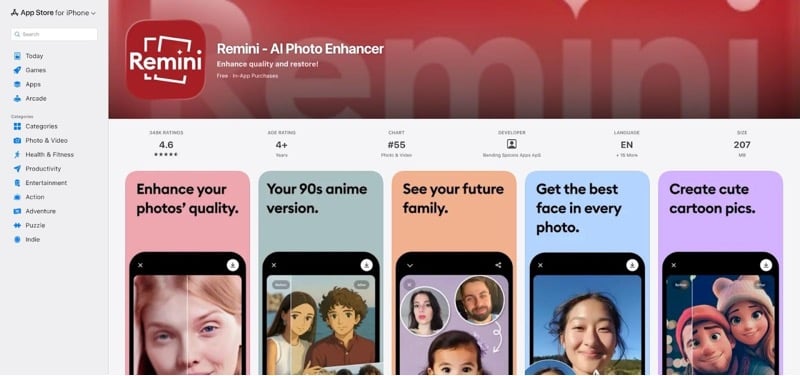
Remini AI headshot mobile app store page screenshot
The catch is accuracy. In our batch, only three of eight images truly looked like the real person. The rest leaned into a beauty-filter style that thinned jawlines, brightened eyes, and smoothed skin to porcelain. Many users celebrate the glow-up, but if you want a portrait that mirrors you on a normal workday, Remini takes extra swiping.
Pricing demands vigilance. The app offers a three-day “free” trial that auto-converts into a ten-dollar weekly subscription. Reviews calling it a surprise charge are not wrong; cancel the trial in your phone settings as soon as your download folder is full or you will fund weeks you never needed. Complaints also note limited refunds because compute was already “used,” a fair warning before you tap confirm.
On privacy, Remini’s parent company, Bending Spoons, follows EU data laws, yet the policy stops short of a concrete deletion timeline. For casual use that gap may feel acceptable; corporate compliance officers will raise an eyebrow.
Bottom line: Remini is the fast-food drive-through of AI headshots—cheap, quick, and satisfying when you’re in a rush. Just don’t mistake it for a sit-down steakhouse, and double-check that subscription toggle on your way out.
7. Canva Magic Headshot: quick fix inside your design workflow
Sometimes you don’t need a hundred angles; you just need one decent selfie for the résumé you’re already building in Canva. That’s where Magic Headshot helps. Upload a single photo, pick from roughly twenty style templates, and thirty seconds later you have four refreshed versions of yourself with a cleaned background, balanced lighting, and a sharper jacket if requested.
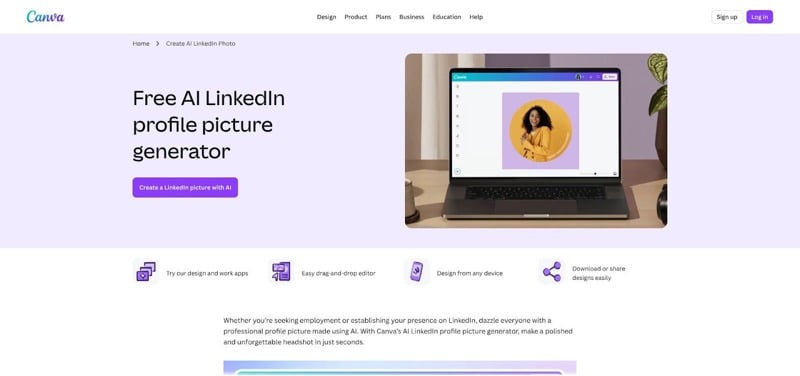
Canva Magic Headshot feature / LinkedIn headshot generator screenshot
The results are perfectly serviceable for small on-screen uses, such as Slack avatars or the corner of a PDF. Up close, trained eyes will notice airbrushed skin or slightly uneven lighting that signals AI editing. Because Magic Headshot works on the exact pose you feed it, any awkward head tilt or half blink carries into the output. No variety, no new angles.
Speed and simplicity are the payoff. The tool lives inside the Canva editor you already use for social posts, so there is zero learning curve. Free-tier users get one headshot credit per day; Canva Pro gives up to a hundred tries daily for about fifteen dollars monthly. If you’re already subscribed, the feature feels like a bonus rather than a new cost line.
Privacy follows Canva’s standard content policy, good enough for everyday creatives yet short of the explicit deletion promises that pro photographers might expect. For a one-click makeover that keeps you in the same tab where you’re laying out your pitch deck, Magic Headshot does exactly what it claims: nothing more, nothing less.
Conclusion: How the seven stack up at a glance
After dozens of uploads, timers, and pixel-level inspections, the numbers paint a clear picture.
InstaHeadshots tops the realism column, reaching a ninety-percent keeper rate while still delivering within an hour. BetterPic wins on resolution, offering true 4K files, but it takes about thirty minutes before your download button lights up. HeadshotPro trades a bit of sharpness for consistent team albums and the lowest cost per usable image.
Aragon’s prompt freedom adds creative muscle, though pushing the style dial too far can bend likeness. PhotoAI sits in the middle on quality yet rewards power users with extra modes such as AI video and outfit try-ons. Remini’s edge is raw speed; nothing else gives you shareable shots in under a minute, although the beauty-filter sheen is clear. Canva Magic Headshot rounds out the list as the friendly quick fix already living in your design tool.
Performance gaps are narrower than they were even a year ago, yet the outliers still matter. If you need surgical precision, waiting an extra fifteen minutes or paying ten more dollars can be worthwhile. If you only need a LinkedIn thumbprint by 2 p.m., the fastest app will do the job.
The takeaway: match the generator to your use case, not the other way around. Quality, speed, cost, and privacy shuffle positions across the board, so decide which dial matters most today.