How aaPanel Runs on Different Server Hardware Setups
aPanel is only as fast as the machine you put it on. Some webmasters set up the same software stack on a tiny 1 GB VPS and on a beefy 32 GB dedicated server, then wonder why one site cruises and the other crawls when more than one person hits “publish.” Hardware isn’t just a numbers game for bragging rights. It’s about having enough RAM for PHP and MySQL, a disk that can actually keep up, a CPU that doesn’t lag behind, and a network that isn’t a continent away from your visitors.
With aaPanel, you get an easy dashboard to manage your sites, databases, SSL, and services but it can’t magically summon more memory or CPU. If you’re on an overloaded VPS, stuck with an old spinning drive, or your swap file is thrashing every night, the dashboard might look fine, but your pages will just hang there waiting. So, think of the panel as your control center. The server, that’s the real foundation.
What Hardware Actually Changes
Think about the CPU first. It matters when you’re doing heavy-duty work like resizing images, running complex PHP, handling SSL traffic under load, or building stuff on the fly. If you’re running a quiet little brochure site, you’ll barely notice an extra virtual CPU. But if you’ve got a busy store and those database queries aren’t cached, you’ll feel the difference instantly. Dedicated cores will always outperform a “8 vCPU” deal with noisy neighbors.
Memory (RAM) quietly limits what you can do. MySQL needs plenty for caches. PHP-FPM wants a pile for its workers. Bring in Redis and it’ll need its own chunk. If you run out, the system starts to swap and if that swap’s on a slow disk, your site basically stops. That’s why a 2 GB VPS can hum along early in the week, and then feel sluggish by Friday after you pile on another plugin or a staging site.
Disk type is huge. Backups, logs, and database writes all depend on it. NVMe is the sweet spot. Regular SATA SSDs are fine for basic sites. But spinning hard drives? They’re for archives, not live databases. Quick response (IOPS) and low delay matter more than gigantic drives that are already packed. A small, mostly empty fast disk will beat a giant, crowded, slow one every time. And don’t forget the network. If your server’s in the wrong city, even the best CPU won’t save you. Traffic limits feel like slow image loads, not a warning on your control panel. Choose a location near your users, then choose your plan.
VPS Versus Dedicated Boxes
- A VPS is just a piece of someone else’s big machine. You get your slice of memory and disk, but the CPU is usually shared. That’s fine if you’re hosting one WordPress site or a couple of quiet projects. But things get dicey when someone else hogs the resources during their backup window. It’s cheaper, but remember: shared cores are not the same as having dedicated ones.
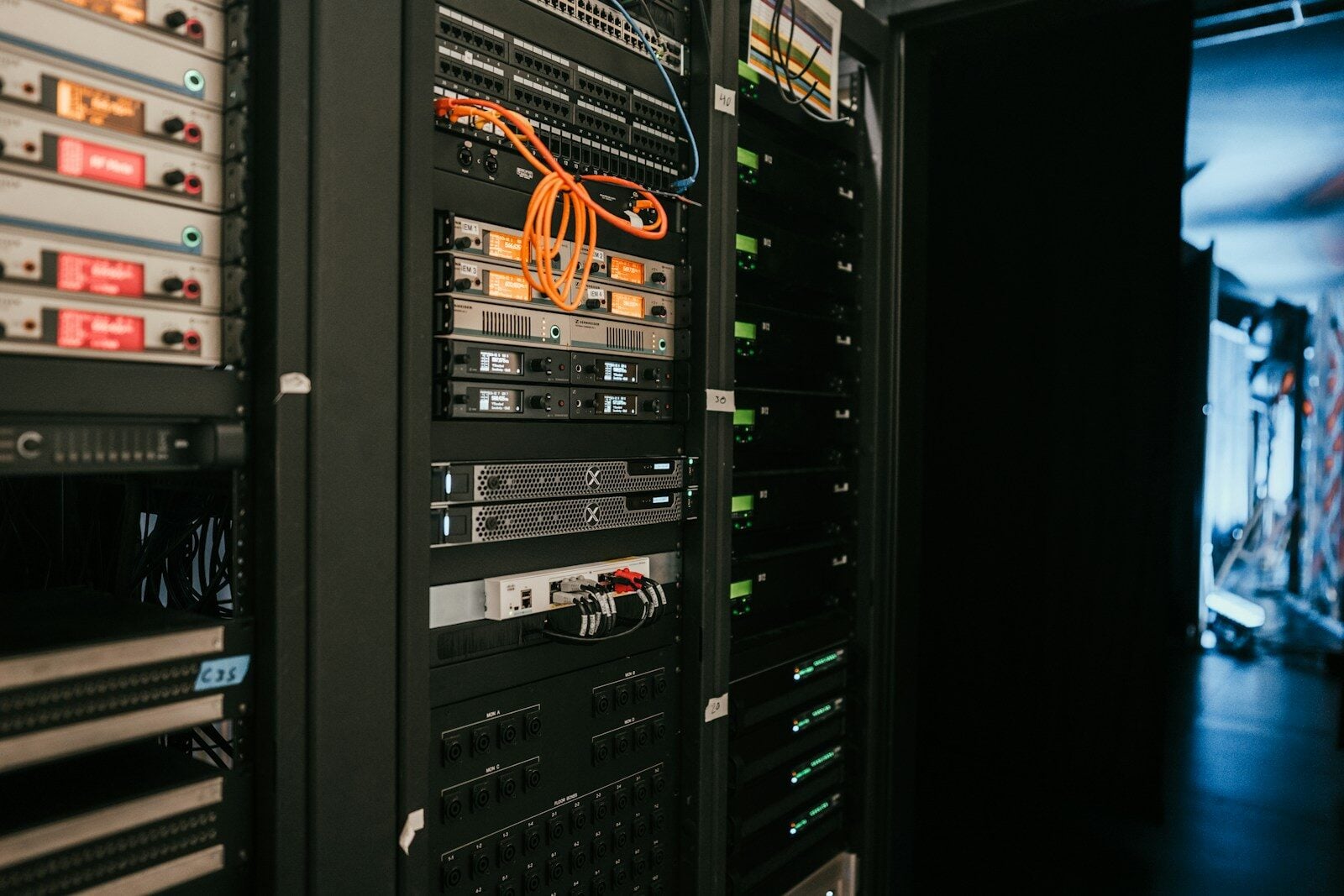
- Go dedicated and you own the whole thing like motherboard, RAM, disks, the lot. You can run more sites and bigger databases, and you won’t have to wonder who else is putting load on your hardware. Of course, you’re also in charge when a drive fails or firmware acts up. For agencies hosting a bunch of client sites, a dedicated server or a big, private VPS is just less stressful than the cheapest deal out there.
- Cloud servers with dedicated CPU plans sit in the middle. Noisy neighbors are less of a headache, but you’re still using the provider’s image to boot up. For most aaPanel users, this middle ground works nicely once you’ve got steady traffic and not just wishful thinking.
- If you’re leaving shared hosting, even a small VPS feels like a step up. On the other hand, moving from a big server with a heavy control panel to a skinny 1 GB instance will feel rough, even if aaPanel itself is lighter. Always compare apples to apples. Many webmasters look for “Cpanel Alternatives ” mostly to save money, but those savings vanish when you cheap out and starve your database of RAM.
Sizing CPU, RAM, and Disk
Don’t grab numbers from random forum posts. Start with what you want to do. How many sites? Are they sharing a database? How many PHP workers do you need when things get busy? Will you run backups on the same box?
A rough starter map: a single brochure WordPress site can get by with 2 GB of RAM, 1-2 vCPUs, and 40 GB of NVMe storage as long as you’re caching well and not hosting tons of staging sites. Three to five active sites? Bump up to 4-8 GB so MySQL breathes easy. If you’re running something heavy like WooCommerce or a busy LMS, go for 8 GB and more, plus solid CPU power for checkout spikes. And if you’re adding mail to the mix, remember to reserve some RAM and storage for it. Keep enough disk for sites, databases, and room for updates to unpack. If you fill your storage to 95%, everything slows down. Always keep a copy of backups somewhere safe. Snapshots are handy, but never trust them unless you’ve actually restored from one.
After you set up aaPanel, use its CPU and memory graphs. Watch them for a week. A quick spike when your cron job runs isn’t reason to rush out and get 16 cores. But if your RAM sits pinned at 90% all afternoon, it’s upgrade time.
Common Hardware Mistakes
- Don’t overspend on CPU while starving MySQL. Your storefront waits for queries, not unused processor cores. Never run your database and backup jobs on the same slow disk. The overnight backup will slow everything down, and aaPanel will get the blame.
- Five “small” sites can still overload one server if they all load plugins with every request or suck up RAM via a shared pool. Skipping Redis can cost you, fast. A cheap VPS is no bargain if you lose time fighting swap or troubleshooting slowdowns during traffic spikes.
- Old dedicated hardware isn’t always bad. A clean box with ECC RAM and fresh SSDs can run circles around a busy cloud VPS. But old servers with failing RAID cards and jam-packed network ports are a recipe for headaches. Age is fine. Neglect isn’t.
- Read the fine print on your plan. “Burst” CPU for a few minutes won’t help during a sustained campaign, and “unlimited” traffic usually slows to a crawl after you hit a hidden cap.
Growing Without a Full Rebuild
You don’t need a brand-new stack every time your site gets popular. Add RAM when you notice swapping. Migrate your database to a faster disk if writes lag. Move your media off the web volume if it fills up. Only split sites onto different servers when you’ve already tried these steps.
Keep notes on PHP versions, root folders, and backup locations. Upgrading to a bigger VPS should be hours of work, not a scavenger hunt. aaPanel keeps sites and SSL certs tidy, but picking the right hardware is still up to you.
The best setups are boring: CPU ticks over until a real surge, RAM has a comfortable cushion, fast NVMe storage isn’t full, and the server sits near your audience. You can restore a site easily, without guesswork. Size your setup for where you’ll be in six months, not for some wild fantasy launch. When your graphs stay up, that’s when you scale up. Hardware that fits your needs makes any hosting control panel feel fast. Get it wrong, and every click will feel like a chore.