Thermaltake Vi-On HDD Enclosure Review
Our Tests
Contents
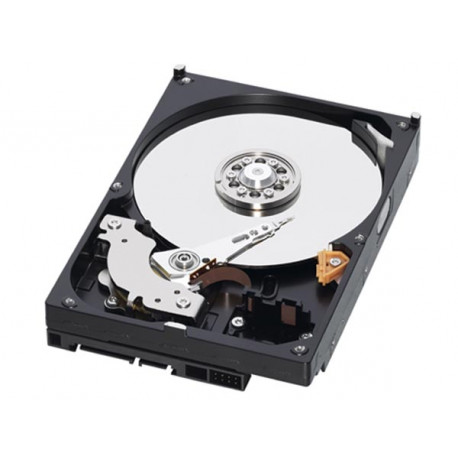
We used three programs to evaluate Vi-On: DiskSpeed32, HD Tach and HD Tune. We installed a Western Digital Caviar SE16 500 GB (WD5000AAKS) and performed three tests. First we measured the performance of this drive when it was connected directly to one of the internal SATA-300 ports from our motherboard. Then we installed the drive inside Vi-On and connected Vi-On to the PC through the eSATA port available on our motherboard. And finally we repeated this test with Vi-On connected to a USB 2.0 port. For the results presented by each program we are considering only the average transfer rate. The results are below.


As you can clearly see, all programs showed the same thing: using the eSATA connection you will achieve the same performance as if the drive was installed inside the PC. USB 2.0 connection really slow things down: this connection cuts the hard disk drive performance by half.