What Real Devices Reveal That Controlled Software Testing Misses
A software test can pass perfectly and still tell only half the story.
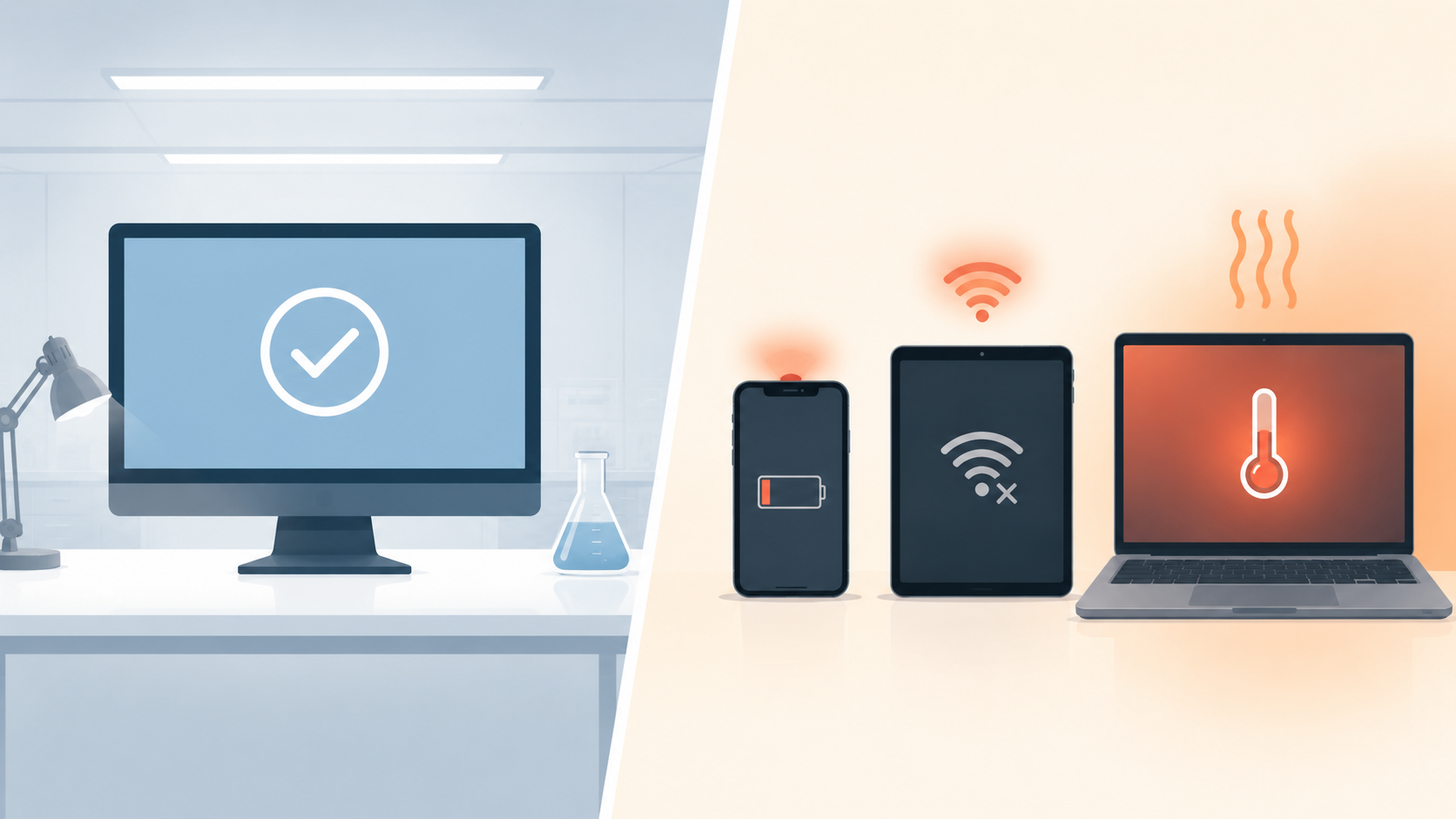
Most test labs remove the everyday mess. The machine has plenty of memory, the network behaves, and the browser is clean and current. Background apps are usually kept to a minimum as well. Real users do not live in that setup.
They open the same product on budget phones, aging laptops, crowded Wi-Fi networks and screens the development team never considered. They switch between apps, deny permissions, rotate the display and return after the operating system has put the application to sleep. Software that looked dependable in the lab can stumble as soon as hardware and everyday behavior enter the picture.
The gap does not mean laboratory testing is useless. Controlled tests are excellent for finding repeatable problems. They simply need to be followed by checks that represent the devices and conditions people actually use.
“Supported” does not mean identical
Support for Android, iOS, Windows or macOS can sound more uniform than it really is. Two phones on the same operating system may have little else in common, from available memory to screen shape and battery controls. Laptops vary too: the browser may match, while the graphics driver or display scaling does not.
Even operating systems designed for similar everyday work make different choices about permissions, background activity, fonts and security. An application can therefore perform the same task correctly while presenting it differently or taking a different path to get there.
Screen size is the obvious example. A form that looks clean on a large monitor may hide its final field behind a phone keyboard. A button can remain technically clickable while an accessibility control covers it. Text may wrap into an extra line on one device and push an important message below the visible area.
These are ordinary consequences of releasing software into an environment the product team does not control.
Performance problems often belong to the whole device
Development machines tend to be generous. They have fast processors, plenty of memory and little unwanted software. That makes them comfortable to build on, but poor representatives of the lower end of a customer base.
On a constrained phone, an image-heavy page may take longer to draw. A background application may reclaim memory and force the product to restart. A device that is almost full can struggle to write temporary data. Heat and battery-saving settings can reduce processor speed at the exact moment the application is doing more work.
None of this necessarily appears in a functional check that asks whether a button produced the expected result. The button may work, but the delay can make a person press it twice. The first request may still be running when the second arrives. What began as a hardware slowdown can become a duplicate order, repeated submission or confusing error.
Testing on a slower device often reveals these timing assumptions. Teams see where the interface needs progress feedback, where an action should be protected from repetition and where recovery must be clearer.
Networks change the way software behaves
The lab network is another quiet advantage. It usually has low delay, steady bandwidth and easy access to every service the application needs. Outside the lab, a person may move from home Wi-Fi to mobile data, enter a weak-signal area or share a connection with several devices.
Looking at bandwidth usage explains only part of the issue. A connection can have enough overall capacity and still drop packets, pause briefly or change routes. Those interruptions matter when an application is uploading a photo, confirming a payment or saving a multi-step form.
Software needs to fail clearly under those conditions. It should distinguish between an action that never reached the service and one that completed without returning a confirmation. If it cannot tell the difference, the user may repeat the action and create a second request.
Realistic network testing includes slow responses, interrupted requests and recovery after the connection returns. The aim is not to make every action instant. It is to prevent uncertainty from turning an ordinary network problem into lost work or repeated activity.
A useful device list starts with users, not inventory
Teams sometimes respond to device variety by building the largest possible test matrix. That quickly becomes expensive and difficult to maintain. New models and system versions appear faster than any team can add them.
A better device list begins with evidence. Which devices, browsers and operating-system versions do customers actually use? Which combinations produce the most support cases? Which journeys matter enough to justify deeper testing?
That information can create a small set of representative groups: a popular current phone, a lower-memory device, an older supported operating system, a common tablet size and the main desktop combinations. The list should also include the conditions that have caused trouble before, not just the newest hardware available.
This is the same principle behind cross-platform testing. The goal is not to prove that every device in existence works. It is to cover meaningful differences and understand where the remaining exposure sits.
Automation makes that coverage repeatable. A core set of journeys can run across several environments after important changes. Human review can then focus on visual quality, unusual interactions and failures that need interpretation.
Real devices and simulated environments both have a place
Simulators and emulators are useful because they are quick to create, easy to reset and practical for early feedback. They allow teams to check many screen sizes and system versions without maintaining a room full of equipment.
But they reproduce software behavior more readily than hardware behavior. Cameras, biometric sensors, notifications, battery limits and real network transitions may behave differently on physical devices. The closer a feature sits to the hardware, the more important a real-device check becomes.
A sensible approach uses both. Fast simulated checks catch straightforward problems during development. A smaller real-device set then validates critical journeys before release. ACCELQ Automate Mobile can help teams rerun the same checks across different mobile devices and operating systems. Choosing the right devices, however, still depends on who actually uses the product.
Software fails on real devices because real conditions expose assumptions that controlled environments hide. The answer is not an endless hardware collection. It is a deliberate mix of controlled tests, representative devices, imperfect networks and human observation. This approach gives teams a truer sense of how the product will actually behave once it’s out of the lab.