2-Pin vs MMCX IEM Cables: What to Check Before Replacing Your Cable
Wired in-ear monitors can last a surprisingly long time. The cable usually has a harder life.
It gets bent in a pocket, pulled across a desk, wrapped too tightly after use, caught on clothing, and plugged into different sources again and again, and after months of that, the earphones themselves may still be perfectly fine, while the cable starts to make the whole setup feel less dependable.
The first signs are often small. One channel cuts out when you turn your head, or a plug crackles if it moves slightly. Sometimes the connector feels less firm than it used to, and the cable becomes stiff enough that you notice it every time it brushes against your jacket.
At that point, the cable is the part worth checking first. Replacing the IEMs completely may be unnecessary, because the whole issue might be solved with a simple cable replacement.
Before ordering a new one, though, it helps to know what type of connector you are dealing with. For most IEM users, the two common options are 2-pin and MMCX.
Why the cable is often the first part to fail
An IEM cable is a mechanical part as much as an audio part. The drivers sit protected inside the shells, while the cable handles the movement: bending, twisting, storage, travel, and daily handling.
The plug is one common weak point. If the cable is often bent near a 3.5mm, 2.5mm, or 4.4mm plug, the internal conductors can weaken over time. This may show up as crackling, channel dropouts, or sound cutting in and out when the plug is moved.
The connector near the IEM shell is another stress point. It deals with repeated attachment, removal, and movement around the ear. If the connector becomes loose or inconsistent, the problem can feel like a failing earphone even when the driver is still working.
The cable jacket can also change with use: some cables become stiff, sticky, or kinked, while others start transferring more rubbing noise into the ear. That rubbing noise is called microphonics, and it can make walking, commuting, or working at a desk more distracting than it should be.
In other words, the cable is often the part that wears out first simply because it does the most physical work.
2-pin and MMCX: the practical difference
A 2-pin IEM connector usually refers to a 0.78mm two-pin connection. The cable has two small pins that insert into the IEM shell. When the fit is good, the connection feels stable and fixed. Many users like 2-pin because it does not rotate freely and tends to stay in one position once seated.
The trade-off is that 2-pin needs careful handling. The pins should be aligned properly before insertion. If they are pushed in at an angle or forced, they can bend.
MMCX works differently: it uses a circular snap-on connector that can rotate. That rotation can make the cable feel more flexible around the ear, especially if the IEM shell design works well with it. The downside is that the rotating mechanism can wear over time if the connector is frequently moved, detached, or handled roughly. A loose MMCX connector may start spinning too easily, clicking, or losing signal when moved.
Neither connector is automatically better or worse in every case. A good 2-pin connection can feel very secure. A good MMCX connection can feel convenient and flexible. The better choice depends on the IEM, how often the cable is removed, and how the earphones are used day to day.
Signs it may be time to replace the cable
A failing cable usually gives warning signs before it stops working completely.
The most common signs include:
- one channel cutting out when the cable moves;
- crackling near the plug or connector;
- sound returning when the cable is held at a certain angle;
- a connector that feels loose or unstable;
- a cable jacket that has become stiff, sticky, or visibly damaged;
- more cable noise when walking or moving;
- wear near the plug, Y-split, or ear hooks.
A quick check can help isolate the issue. Play audio at a moderate volume and gently move the cable in three places: near the plug, near the Y-split, and near each IEM connector. If the sound cuts out or crackles in one specific area, the cable is likely the source of the problem.
This is not a perfect diagnostic test, but it is often enough to tell whether the cable deserves attention before the earphones do.
 What to check before ordering a replacement cable
Start with the connector type. A 2-pin IEM needs the correct 2-pin format, usually 0.78mm. MMCX uses a completely different connection. These are not interchangeable, and guessing can lead to a cable that simply does not fit.
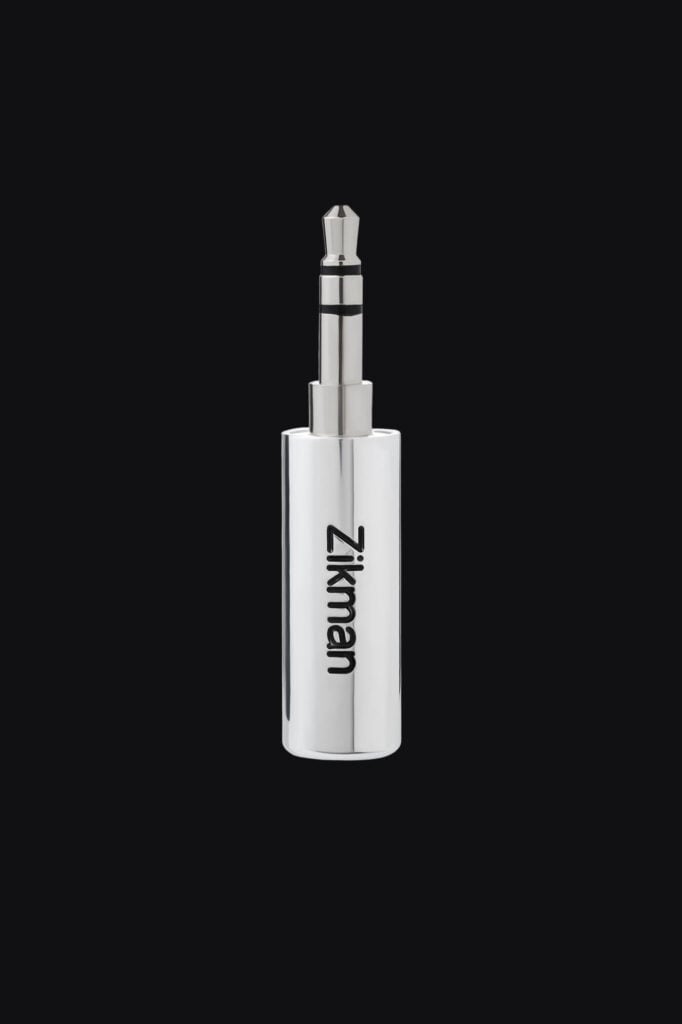
Next, check the plug size. Many portable devices and dongles use 3.5mm, while some balanced sources use 2.5mm or 4.4mm. The wrong plug can make an otherwise suitable cable useless for your source.
Length also matters more than people expect. A desk setup, a pocketable dongle, and a portable player do not put the same kind of stress on a cable. Too much length can snag, while too little length can pull on the ears or connectors.
Another practical factor is flexibility. A softer cable can be easier to wear for long sessions and may reduce handling noise. Good strain relief near the plug and connector also helps reduce stress in the areas that usually fail first.
MMCX users should make the same checks around connector stability, rotation, and plug type before ordering.
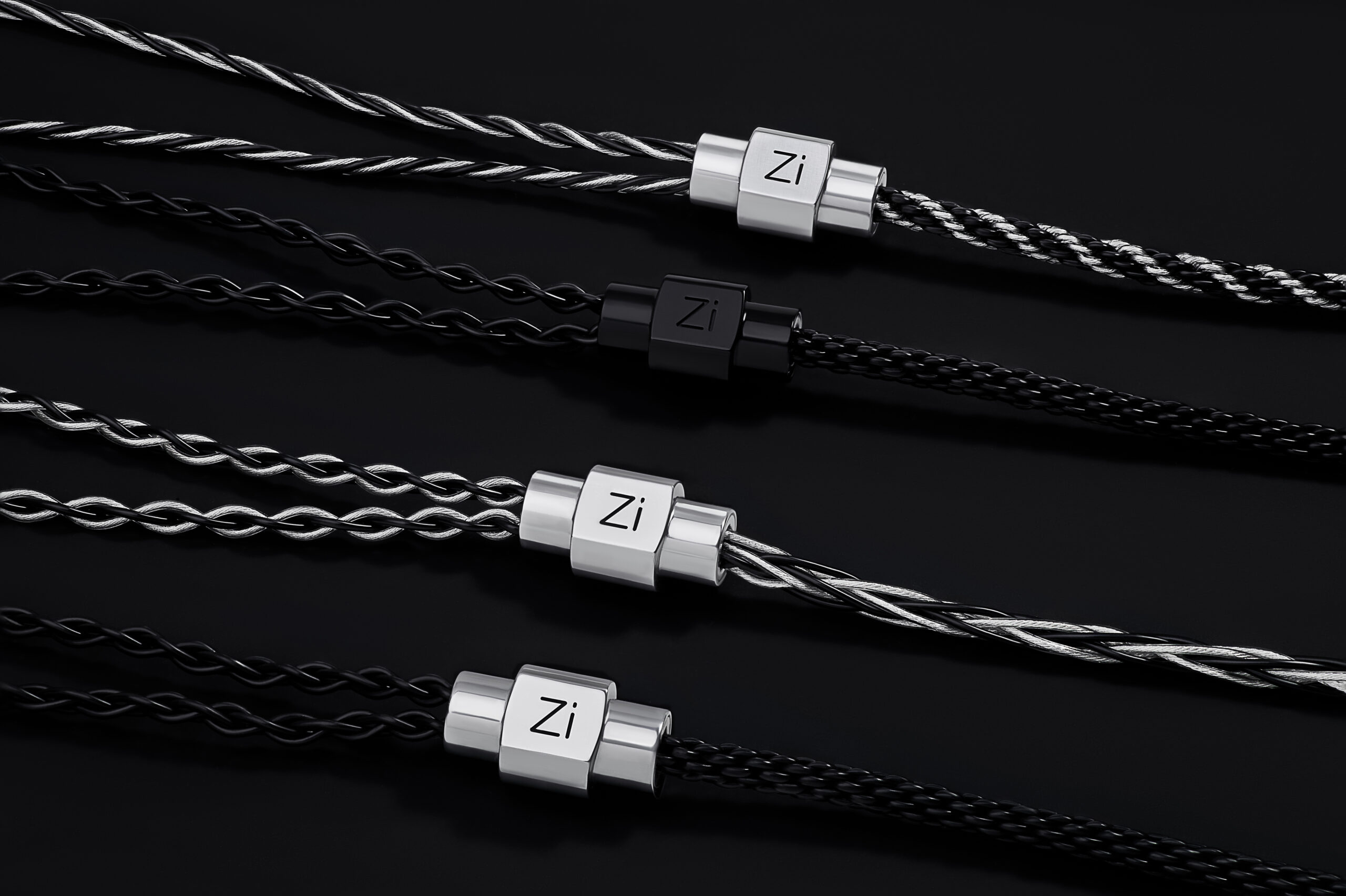
If your earphones use a standard 0.78mm connection, browsing well-built 2-pin IEM cables can be a useful starting point before choosing length, plug type, and comfort details.
Cable upgrades and sound: what to expect realistically
It is worth being careful with cable claims. A cable will not turn a poorly tuned IEM into a great one. The largest differences in sound usually come from the IEM drivers, tuning, fit, ear tips, source, and recording quality.
That does not mean the cable is irrelevant. It simply means the most noticeable benefits are often practical rather than magical.
For example, a stable connector can prevent dropouts. A softer jacket can improve comfort. Lower microphonics can make walking or desk work less distracting. The right plug can match the source properly, and a better-built cable can make the whole setup feel less fragile in daily use.
For many users, that is the real upgrade: fewer interruptions, better comfort, and a wired setup that behaves predictably after replacement.
Final thoughts
When an IEM setup starts to feel unreliable, the earphones are not always the problem. The cable takes most of the physical stress, so it is often the first part worth checking.
The main thing is to identify the connector correctly, look at how the cable is actually used, and choose a replacement that fits that routine. For 2-pin users, that means checking pin size, plug type, cable length, flexibility, strain relief, and comfort before ordering.
A good replacement cable does not need to promise dramatic changes. It just needs to make the setup feel stable, simple, and usable again.