Anatomy of an Optical Drive
Manual Ejection Mechanism
Contents
All optical units have a manual ejection mechanism, where you can open the drive tray even with the computer turned off or with the drive out of the PC. This is a very old trick, but we will need to use it to open our optical unit. First, locate the manual ejection hole on the front of the unit.
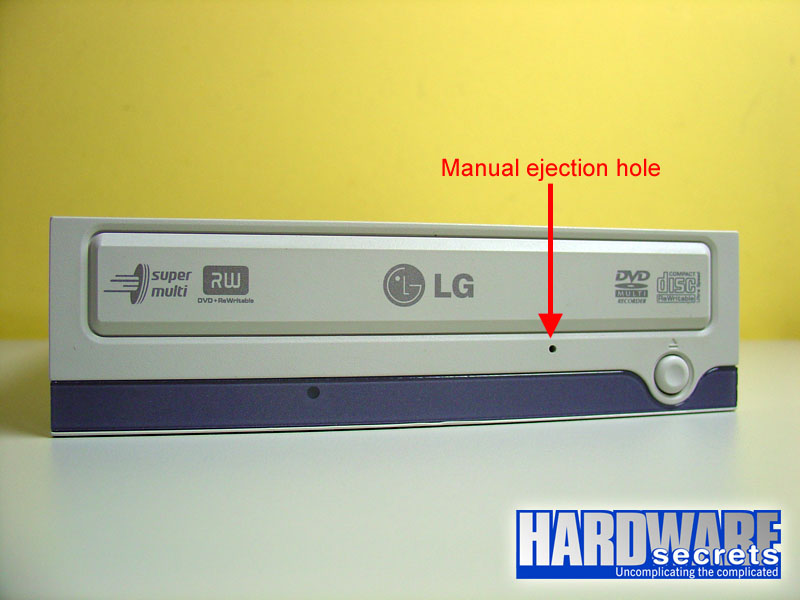 Figure 2: Manual ejection hole.
Then get a paper clip, open it and insert it in the hole, like shown in Figure 3.
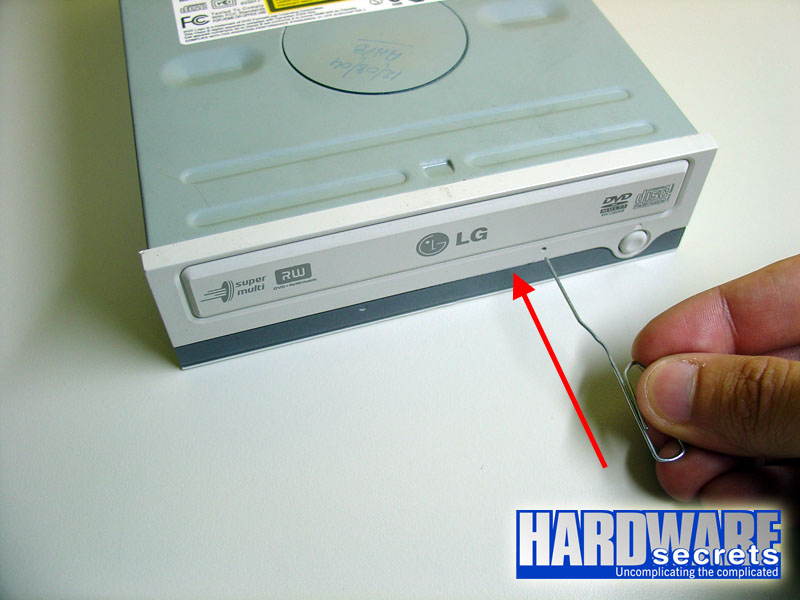 Figure 3: Inserting a paper clip in the manual ejection hole.
You will feel some resistance. Push it until the tray is a little bit open, as shown in Figure 4.
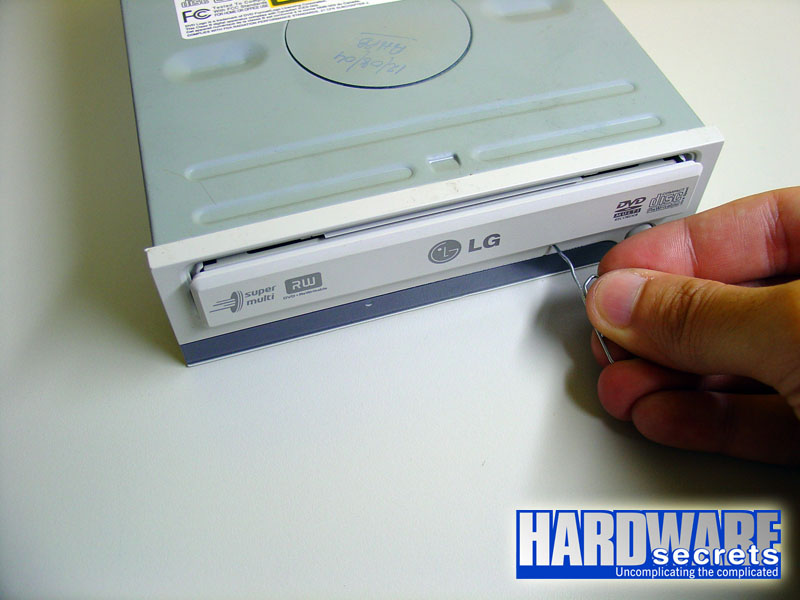 Figure 4: Tray opened thanks to our trick.
Then, just pull the tray with your hands to open it completely.
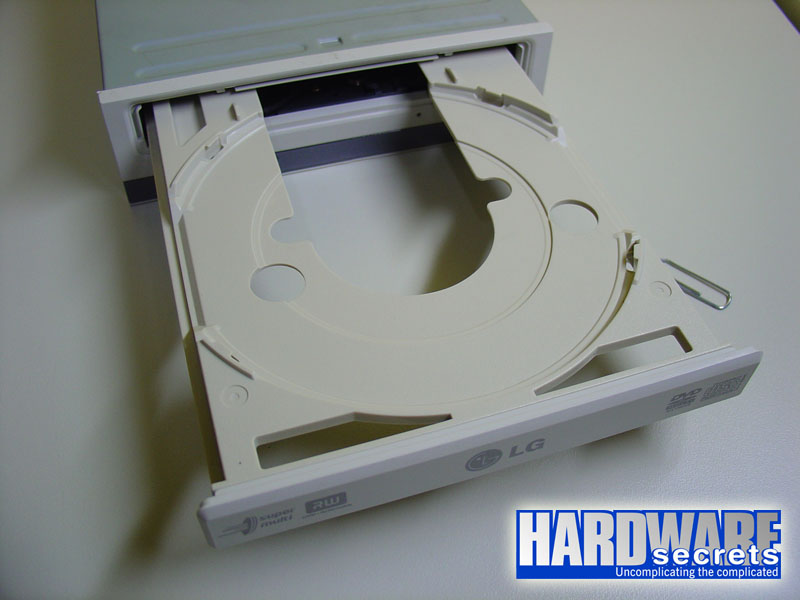 Figure 5: Tray completely opened.
Now let’s open the optical unit.