
Antec Nine Hundred Case
The Hard Disk Drive Cages
Contents
On Figures 6 and 7 you can have an overall look inside Antec Nine Hundred case. As we mentioned before, the power supply is installed on the bottom of the case, not on its top.
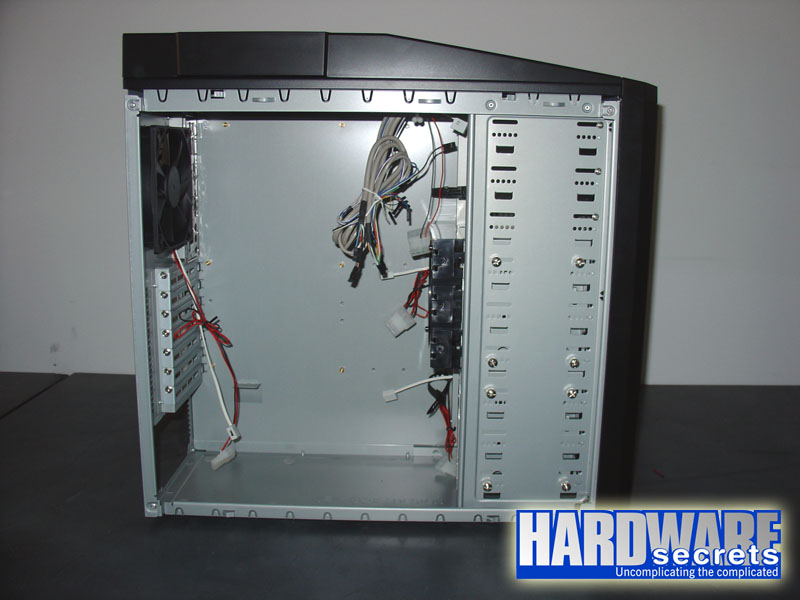
Figure 6: Inside Antec Nine Hundred case.
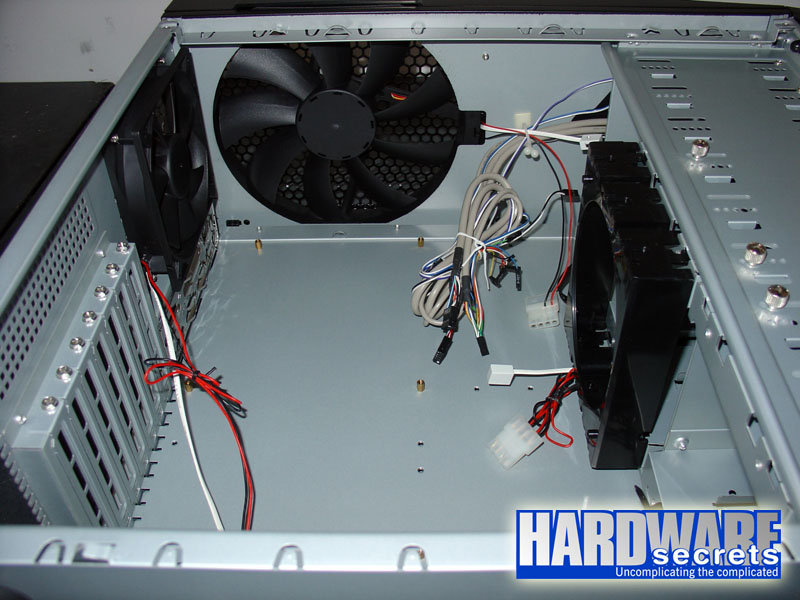
Figure 7: Inside Antec Nine Hundred case.
You can adjust the speed of each fan that comes with this case at three levels, low, medium and high. Each fan comes with a switch attached, shown in Figure 8.
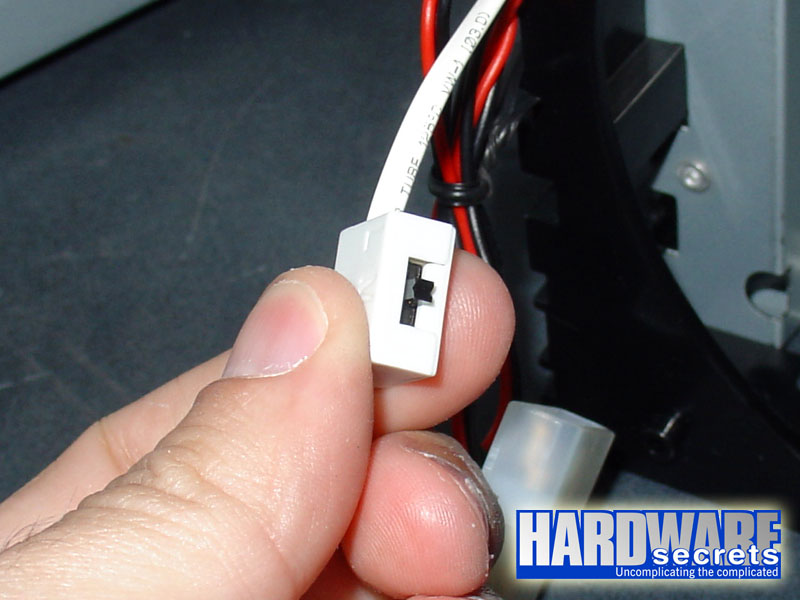
Figure 8: Fan speed control switch.
If you think you need even more cooling, you can add two extra 120 mm fans. One of them can be installed on the side of the case, as its side panel comes with a place for this fan to be installed. This fan can be used to cool down your video cards.
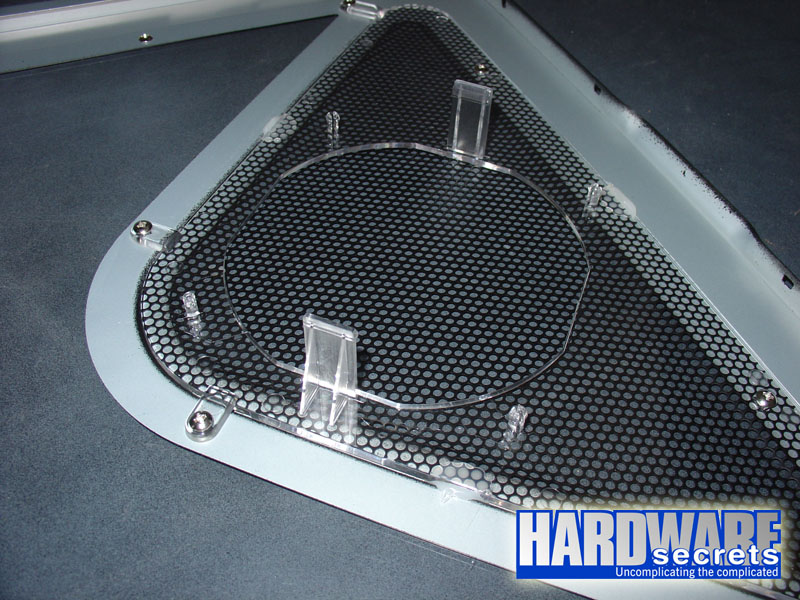
Figure 9: You can add a side fan on the side panel.
You can add a second extra fan at the end of one of the hard disk drive cages, as we will show in the next page.