MSI Stealth Case Review
The Front Panel
Contents
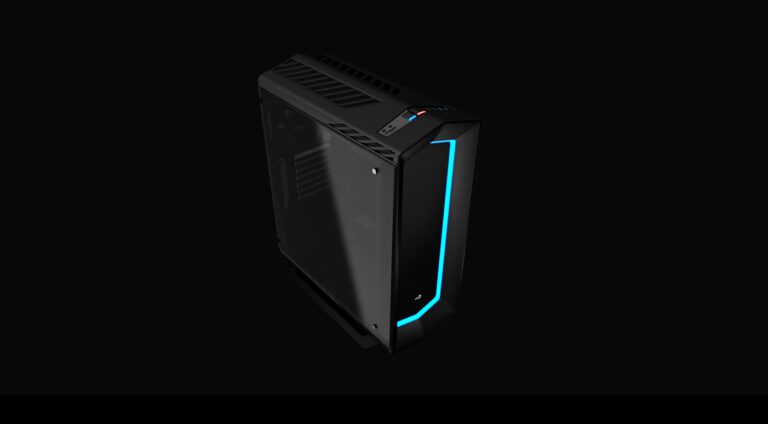
The front panel of the MSI Stealth uses a rubber-coat finishing, preventing fingerprints and giving the case a more professional look. It has four external 5.25” bays, using meshed covers with air filters. The case comes with a 120 mm fan on its front panel (MSI AD1225R12L), which glows blue when turned on. This fan uses a standard peripheral power plug, and the manufacturer doesn’t publish its specifications. You can replace this fan with models up to 180 mm, if you want. See Figure 5. The case doesn’t have an air filter for the front fan.
 Figure 4: Front panel
 Figure 5: Front panel
The case comes with two USB 3.0 ports, two USB 2.0 ports, one USB “SuperCharge” port, and the traditional audio jacks on the top side of the front panel. See Figure 6. The USB 3.0 ports use an internal USB 3.0 connector, so you need a motherboard that has this kind of connector in order to use these ports. (All new motherboards have this connector.) The USB “SuperCharge” port only provides power and is able to deliver up to 2.5 A of current, which is five times greater than the usual limit, allowing you to charge USB devices faster. This is accomplished by using a standard peripheral power connector.
 Figure 6: Buttons and connectors