
3R System L700 Eclipse Case Review
The Top Panel
Contents
The top panel of the 3R System L700 Eclipse is meshed with an air filter, and it comes with two 120 mm fans installed. See Figures 6 and 7. Both are connected to an individual two-step speed controller, and must be connected directly to the power supply using a standard peripheral power plug. No technical specifications for these fans are available.
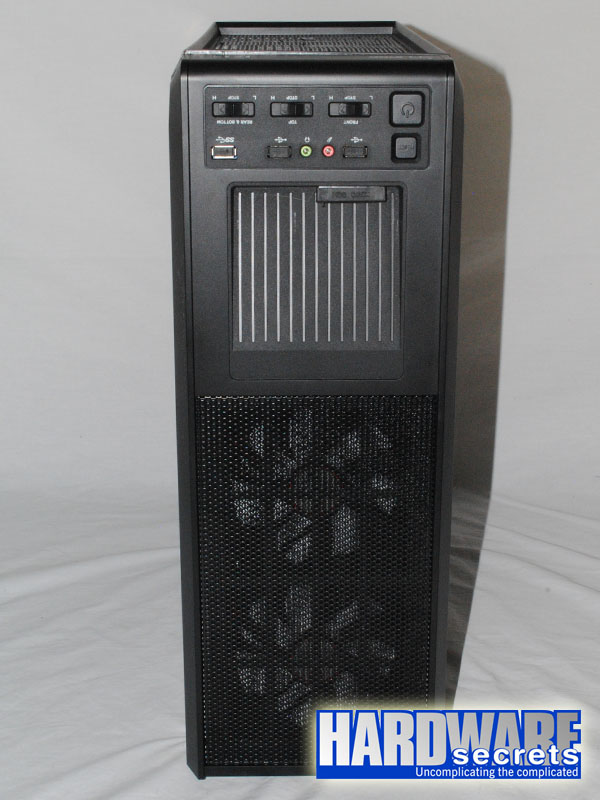 Figure 6: Top panel
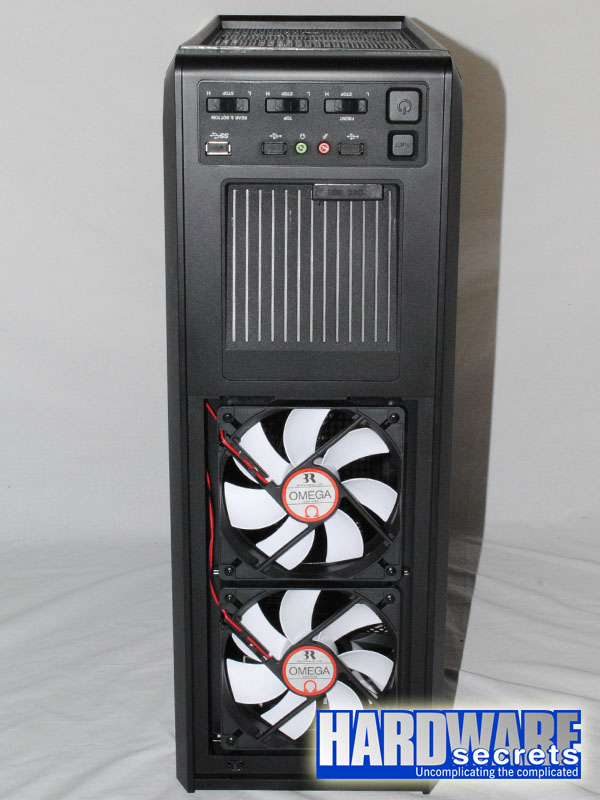 Figure 7: Top panel
The case comes with three separate two-step speed controllers for the fans, one for the front fans, one for the top fans, and one for the rear and bottom fans. It also comes with two USB 2.0 ports, one USB 3.0 port, and the traditional audio jacks. The USB 3.0 port utilizes an internal connector, so you must use a motherboard with a USB 3.0 header if you want to use this port.
One of the highlights of the reviewed case is the presence of an external docking bay for hard drives or SSDs, supporting 3.5” and 2.5” devices.
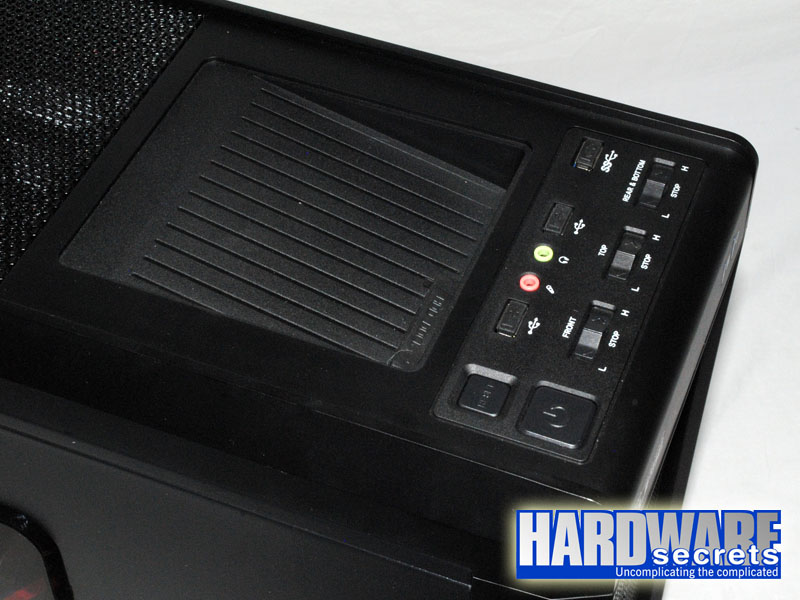 Figure 8: Buttons, connectors, and the docking bay