
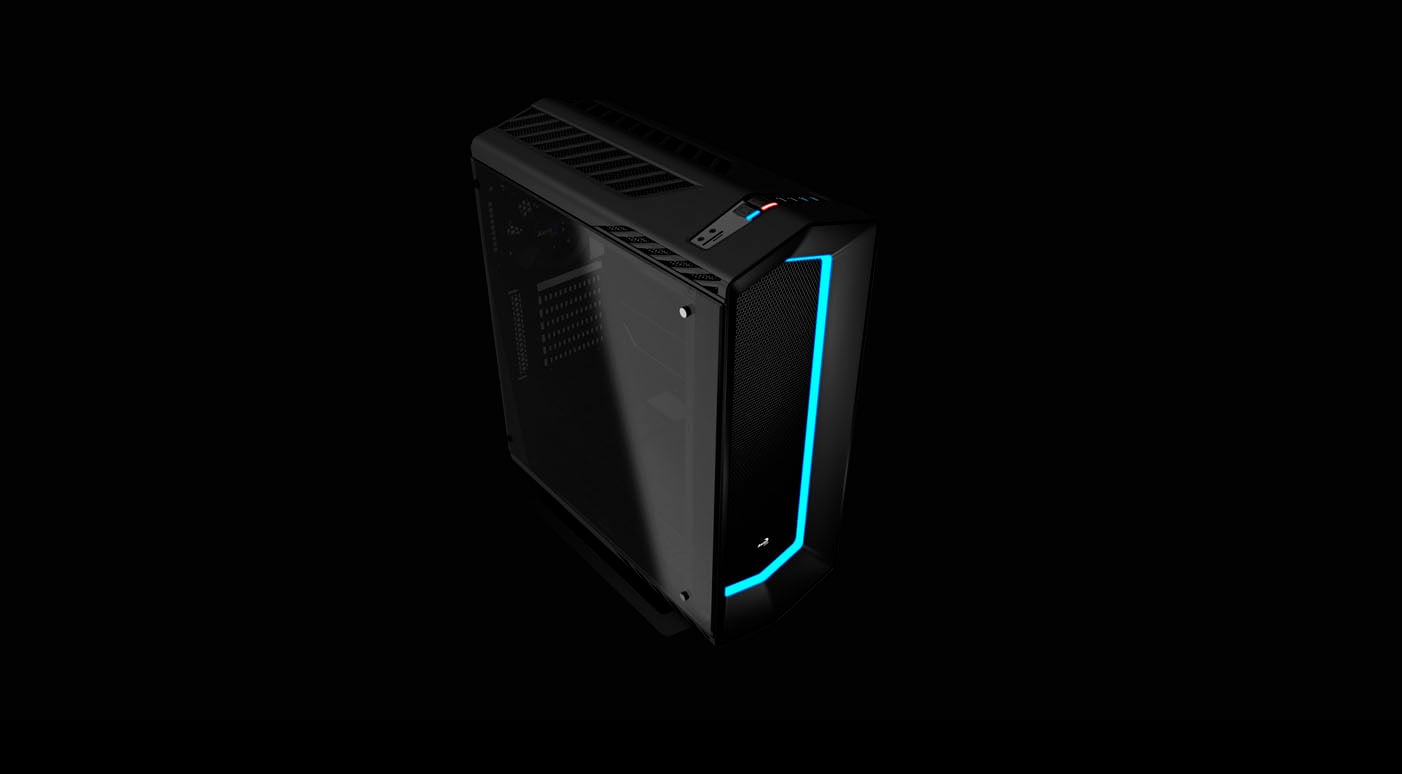
Aerocool P7-C1 case review
Inside the P7-C1
Contents
The left panel, in tempered glass, is held by four thumbscrews. The right panel is held with two thumbscrews.
The motherboard tray has a huge cutout for you to access the backplate of the CPU coolers without having to remove the motherboard from the case, and holes for you to route cables behind it. There is a 0.8 inch (20 mm) clearance between the tray and the right panel to organize the cables.
The case supports ATX and smaller form factor motherboards.
There is a cover for the power supply compartment.
 Figure 10: overall look
 Figure 11: a view behind the motherboard tray
In Figure 14, we have another overall look inside the case. Expansion cards are held with regular screws.
The P7-C1 supports video cards up to 15.7” (400 mm) long. You can install CPU coolers up to 6.5” (160 mm) tall.
 Figure 12: overall look
The power supply is installed at the bottom of the case, in an space apart from the motherboard area. It can only be installed with its bottom fan facing down. As shown before, there is an air filter for the power supply fan.
You will be able to fit power supplies up to 7.1” (180 mm) deep.
 Figure 13: power supply compartment