How Browser Extensions Became Part of Everyday PC Privacy and Performance Habits
The browser is no longer just the thing people open after Windows loads. For many PC users, it is where most of the day happens. Work dashboards, email, shopping, banking, streaming, research, cloud files, chat tools, and even lightweight games all run through the same window.
That is why browser extensions matter more than they used to. They can save time, block annoyances, improve privacy, manage passwords, translate pages, clip notes, or change how a browser behaves. They can also slow things down, collect more data than expected, or keep running quietly in the background long after the user has forgotten installing them.
Extensions are now part of the PC setup
A clean PC setup used to mean enough RAM, a fast SSD, a decent processor, and a browser that did not feel bloated. Those things still matter. But the browser itself has become a small operating environment, and extensions are part of that environment.
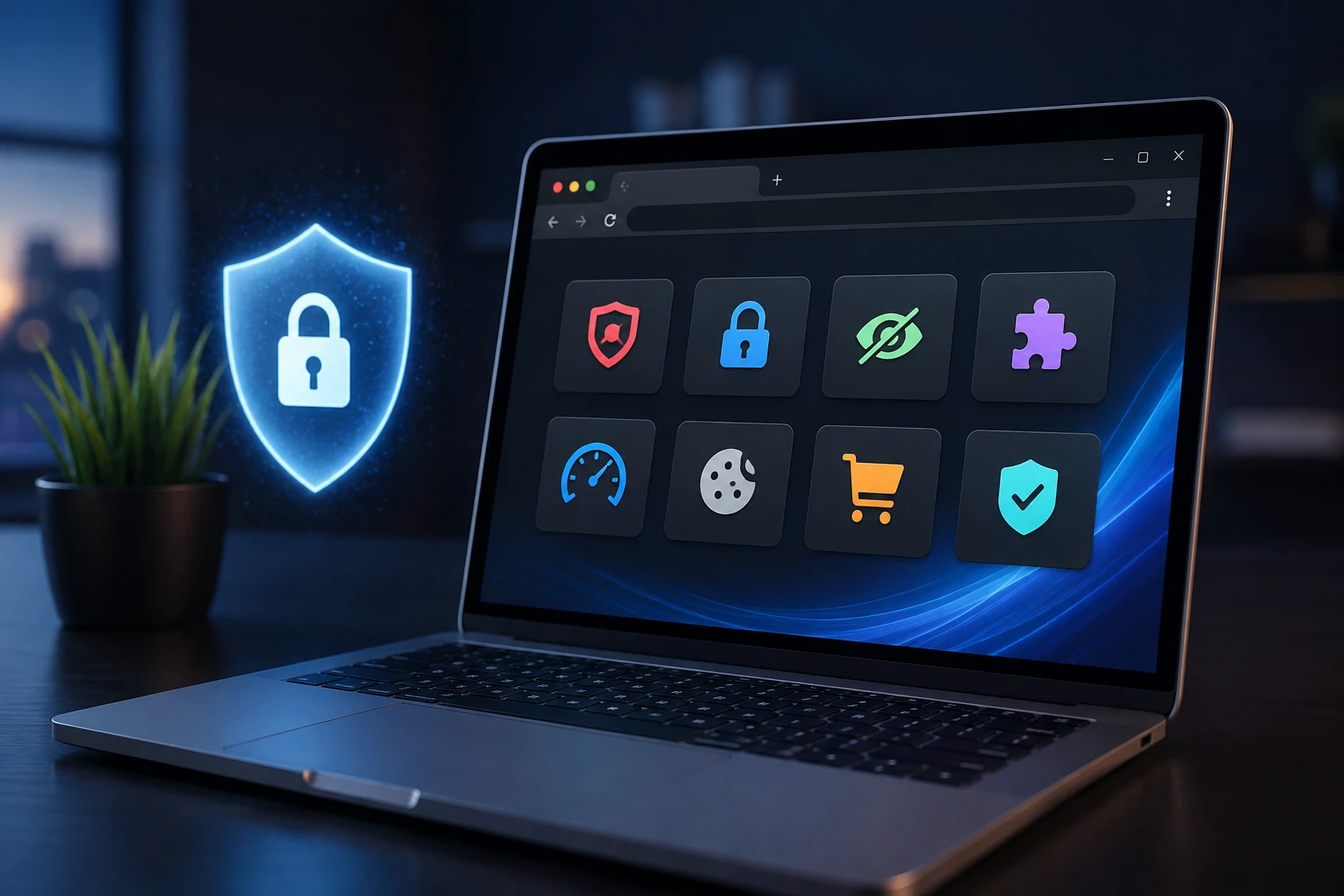
This is why some users now treat a vpn extension as one piece of a wider browser setup, especially when they want privacy protection closer to the place where most browsing actually happens. The same thinking applies to ad blockers, password tools, tab managers, and shopping add-ons. Each one changes the browser in a small way.
The mistake is assuming every small change stays small forever.
Too many extensions can hurt performance
Hardware Secrets has covered how overlooked setup choices can affect computer performance, including the way browser tabs and extensions keep using resources. That point is worth taking seriously. A PC can have good hardware and still feel slow if the browser is carrying too much extra weight.
Some extensions run only when needed. Others stay active across pages. A few check links, scan content, inject scripts, sync data, or watch browsing behaviour for features the user may barely use. On a powerful desktop, that may not be obvious at first. On an older laptop, it can show up as slow page loads, heavy memory use, battery drain, or fan noise.
The answer is not to delete every extension. It is to stop treating the extension bar like a junk drawer.
Privacy depends on trust, not just features
A browser add-on can ask for serious permissions. Some need access to the pages a user visits. Others can read and change site data. That may be necessary for the feature to work, but it should still make people pause.
Brave’s explanation of browser extensions makes a useful point: extensions are software that add features to the browser, but users should understand what they install and what permissions are involved. That is the basic privacy lesson. An extension is not safer just because it is small or easy to download.
Before installing one, check who made it, what it does, how recently it was updated, and whether the requested permissions make sense. If a simple coupon tool wants broad access to browsing data, that deserves a second thought.
Good browser habits are boring, but they work
The best extension habits are simple. Keep only what you use. Remove old add-ons. Avoid installing several tools that do almost the same thing. Review permissions every now and then. Be careful with free tools that promise too much. Update the browser, because old versions create their own problems.
It also helps to separate convenience from need. A tool used daily has a place. A tool installed once for a single task probably does not need to live in the browser forever.
The browser deserves the same care as the PC
PC users already understand maintenance. They clean storage, update drivers, watch temperatures, and check which apps start with Windows. Browser extensions should be part of that same routine.
A faster, safer browser is rarely the result of one dramatic fix. It usually comes from small decisions: fewer unnecessary add-ons, better permissions, trusted tools, and a setup that matches how the person actually uses the web.
Extensions are useful. They are also powerful enough to deserve attention. For everyday PC privacy and performance, that makes them part of the setup, not an afterthought.