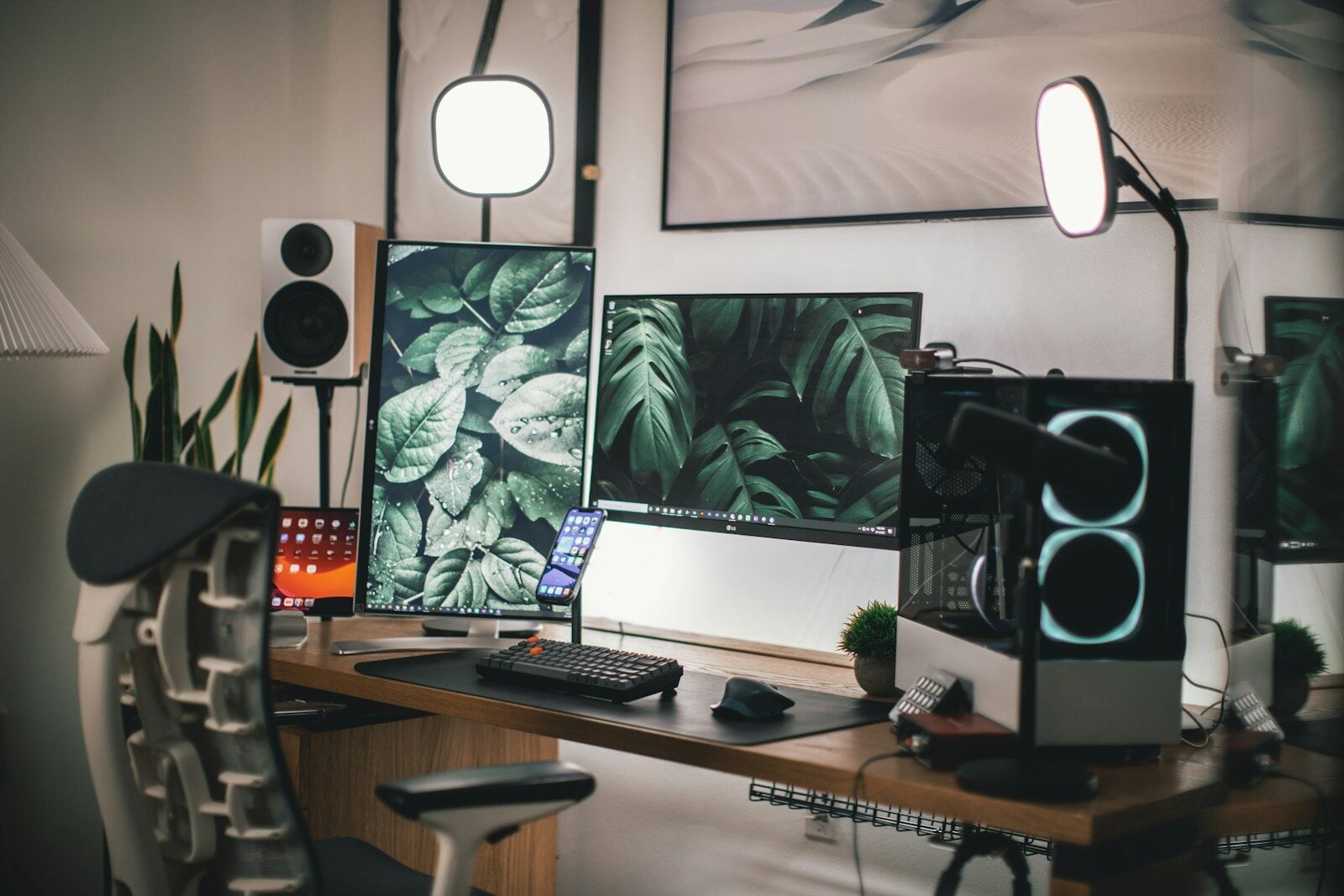
Moving Home With a PC Setup: How to Apply Hardware Logic to the Most Stressful Part of Relocation
If you’ve ever agonized over thermal paste application or spent an afternoon routing cables for airflow optimization, you already have the mindset for moving a PC rig safely. The problem is most people switch off that analytical brain the moment they start packing boxes, and treat a $6,000+ build the same way they treat a pile of books.
That’s how GPUs get cracked. How AIO radiators get damaged from improper orientation during transport. How a build that’s been running perfectly for two years arrives at a new address with a rattling case fan and a bent CPU cooler bracket.
Moving a PC correctly isn’t complicated. It’s just systematic. Here’s how to approach it.
The Fundamentals: Treat the Move Like a Benchmark Run
When you benchmark a system, you isolate variables. You test one thing at a time, document results, and don’t leave anything to chance. The same logic applies to moving hardware.
The core rule: the case does not travel with components inside it. Not even for a short move. This isn’t overcaution — it’s basic physics. A tower case has no meaningful shock absorption. Every bump in the truck transmits directly to your motherboard, to the PCIe slots, to whatever GPU is cantilevered off the back of that slot. Air coolers with heavy heatsinks become lever arms. The cooler bracket was not designed to support that mass through lateral g-forces on a moving vehicle.
Pull everything that can be pulled. GPU out. CPU cooler off if it’s large. HDDs out if they’re not SSDs — spinning drives are significantly more vulnerable to shock during operation and even in standby if the heads haven’t parked. RAM can stay. M.2 drives are fine. The case itself ships empty.
Component-Level Packing: What Actually Needs Protection
GPU first, because it’s the most expensive and the most vulnerable to mechanical stress.
If you kept the original box, use it. GPU manufacturers design that packaging specifically for this. If you didn’t — and most people don’t — the next best option is an antistatic bag large enough to contain it, then foam padding on all four sides inside a box with zero movement. The card should not be able to shift. Shake the packed box gently. If anything moves, it’s not packed tightly enough.
CPU coolers with large heatsinks need to come off the motherboard. The mounting pressure those brackets exert is calculated for static loading, not for vibration and shock during transport. A 1kg tower cooler hitting a pothole at speed puts real stress on that bracket and on the socket area of the board. Remove it, pack it separately, and reseat it at the destination. It takes twenty minutes and it’s not optional if you care about your board.
HDDs are the most mechanically fragile component in any build. If you’re still running spinning drives — for bulk storage, NAS, whatever the reason — they need to be individually wrapped in foam or bubble wrap and packed with zero tolerance for movement. The read/write heads park when the drive powers down, but a significant shock can still cause damage, particularly to older drives with higher hours. If you’re transporting a drive with data you can’t replace, back it up before the move and treat the physical transport as a secondary concern.
Monitors are where people consistently underestimate the risk. The panel is the most vulnerable component in your entire setup to pressure damage. It does not go flat in a truck. It goes upright, packed in its original box if possible, or wrapped and standing vertically if not. A monitor stored flat with any weight on top — even seemingly light weight — can develop pressure spots on the panel that show up as dead zones or discoloration. Store it upright. Always.
The Case Itself: Empty Is Fine, But Fragile Things Live Inside
The empty case can go on the truck without much ceremony. Cases are built to handle being knocked around — that’s basically their job. What’s not built to handle that are the things usually inside them.
One exception: if you have a custom loop, you need to drain it before transport. This is not negotiable. Coolant that shifts position during transport can get into places it shouldn’t. Even a well-built loop with solid fittings has some risk during aggressive movement. Drain it, blow it out, refill at the destination. The hassle of a refill is significantly less than the hassle of diagnosing coolant contamination on a motherboard.
Cable management that you spent hours on will survive the move fine. What sometimes doesn’t survive is glass side panels. Tempered glass is strong under normal conditions and surprisingly fragile under point impact. Pack the side panel separately or wrap it thoroughly. It’s the one cosmetic component of a build that’s both expensive to replace and easy to damage in transit.
The Broader Move Logistics
The hardware packing is one piece of it. The broader move — who’s handling your belongings and how — is the other variable.
The instinct is to move the PC setup yourself, in your own car, because you don’t trust anyone else with it. That’s reasonable. If you can fit the components in your car with proper packaging, that’s probably the right call for the sensitive hardware. The rest of the household can go with the removal company.
Comparing removal companies properly before booking matters more than most people think — not just on price, but on whether they have experience with fragile or high-value items and what their insurance coverage actually covers. Australia’s nationwide platform FindaMover for interstate moves make it easy to compare multiple quotes and book removalists.
For long-distance moves where you’re flying or taking the train rather than driving, the car — and potentially the larger equipment — needs separate handling. Services like VehicleMove solves logistics for any vehicle transport specifically for this scenario, which takes one significant logistical variable off the list. For moves that need logistics for both home removals and vehicle moving or things going into storage — not uncommon when moving into a new place that isn’t ready yet — a duel service platform like Movingle for home removals and vehicle logistics keeps the everything organized in one place.
At the Destination: Don’t Rush the Reassembly
The box arrives. The temptation is immediate: get it back together and running as fast as possible.
Resist this for at least an hour after everything arrives indoors. If it’s cold outside, components that have been in a van or storage need time to reach ambient temperature before they power on. Thermal shock isn’t usually catastrophic but it’s not nothing, particularly for SSDs and for components with thermal compound that’s already been cycled many times.
Reassemble methodically. CPU cooler back on before anything else goes in. GPU seated and secured. All power connectors checked before the first boot. Don’t skip the POST check before you close the case up. If something isn’t right, you want to find it before the side panel is back on. If you do encounter parts that are not working after troubleshooting the problem, maybe try refurbished hardware to help reduce costs and e-waste.
Run a stress test in the first few days. Something like Prime95 for CPU, Furmark or 3DMark for GPU, CrystalDiskMark for storage. It’s a ten-minute investment that confirms nothing was damaged in transit and gives you a baseline if anything starts acting unusual later.
The Summary Version
Empty the case before it goes on the van. GPU in antistatic bag with foam padding. Large air coolers off the motherboard. HDDs individually wrapped. Monitors upright only, never flat. Drain custom loops. Glass panels packed separately.
Transport sensitive components in your own vehicle if the move is local. For longer moves, compare removal companies properly and sort vehicle transport separately if needed.
Reassemble slowly at the destination. Temperature equalization first. POST before closing the case. Stress test in the first week.
The hardware logic you already apply to building and optimizing a rig translates directly to moving one. The only difference is most people forget to apply it when they’re under the pressure of a move and just start throwing things in boxes. Don’t do that.